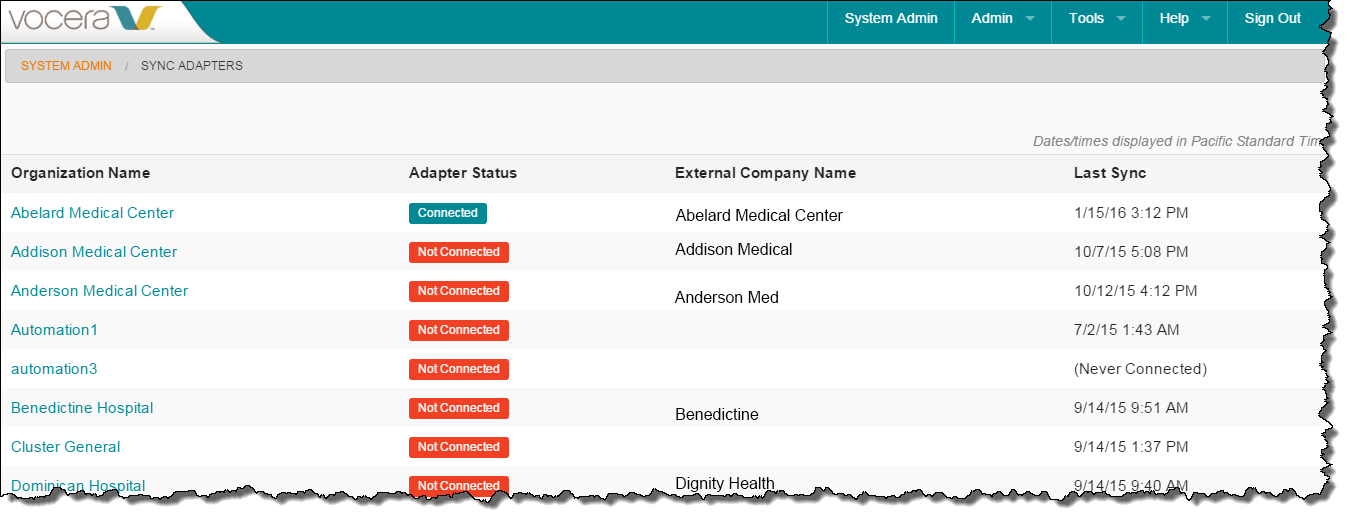
The Sync Adapters page lets you view a summary of the sync adapter status for all the organizations in the system. You can view multiple organizations in parallel to help detect or investigate possible widespread problems, or click a link to drill down and view connection details for any organization.
To view the status of an organization's sync adapter:
-
In the Vocera Secure Texting Administration Console, use the menus
and choose Admin > Sync Adapters.
The System Admin / Sync Adapters page appears.