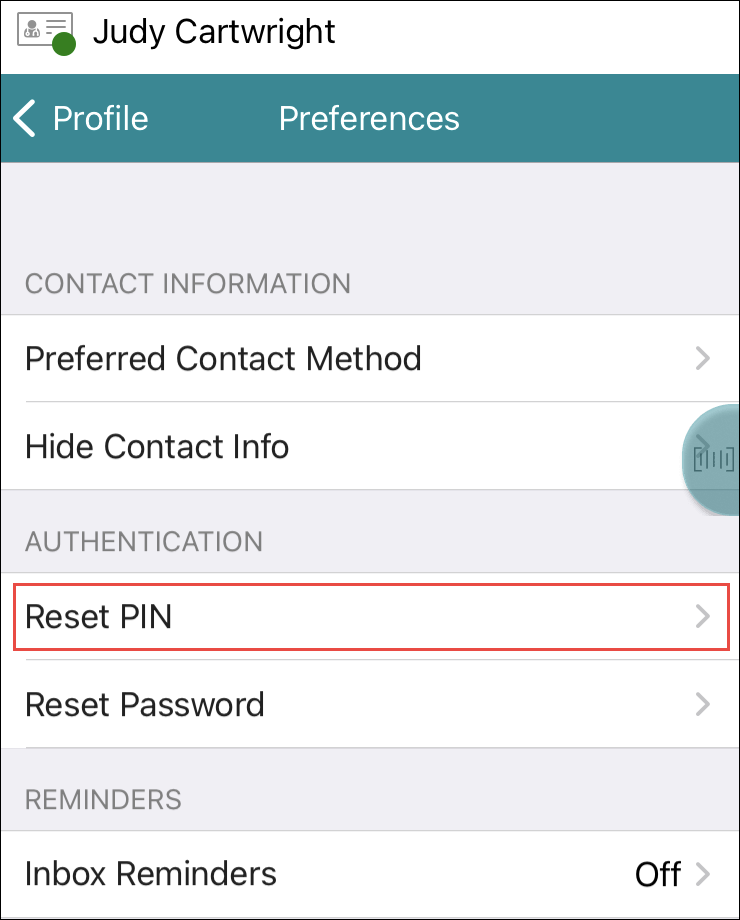
If you had a PIN created when your user account was set up you can change it using the Profile screen.
- Tap Reset PIN.
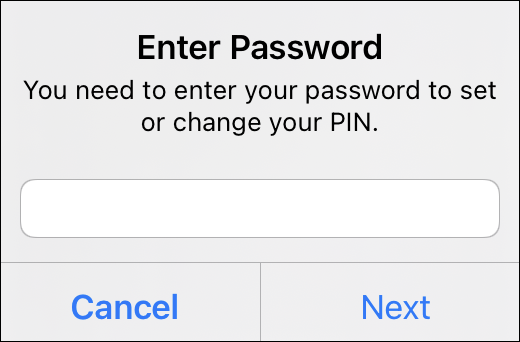
- Tap Next.
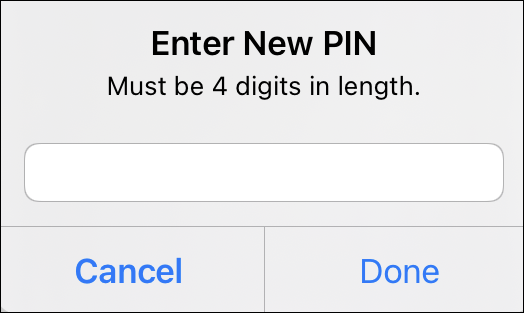
- Tap Done.
| Vocera Edge Clinical Application / User Profile | |
If you had a PIN created when your user account was set up you can change it using the Profile screen.
This guide last modified:
2025-02-12 12:49.
.