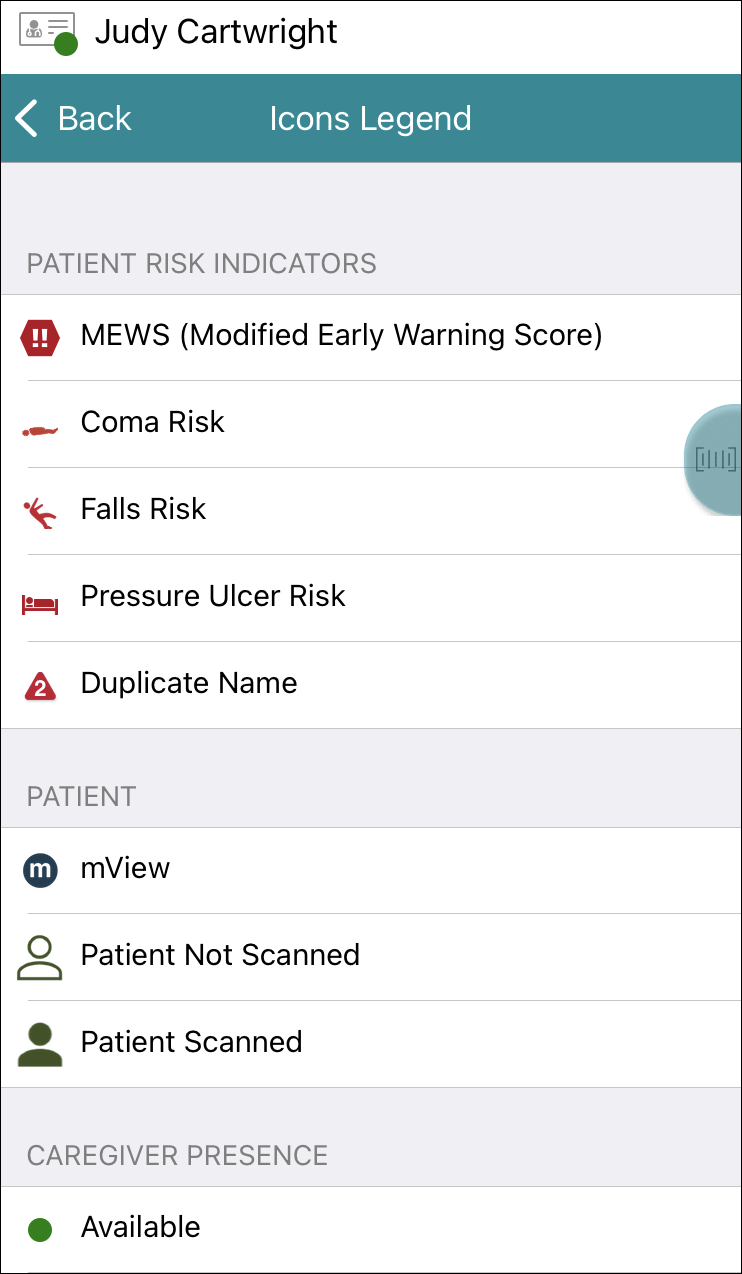
The Vocera Edge Icons Legend is useful when reading messages, alerts, and notifications. It provides descriptions of the following icons: Patient Risk Indicators, Patient, Caregiver Presence, Messaging & Notification, Clinical Order Status, and Clinical Workflow.
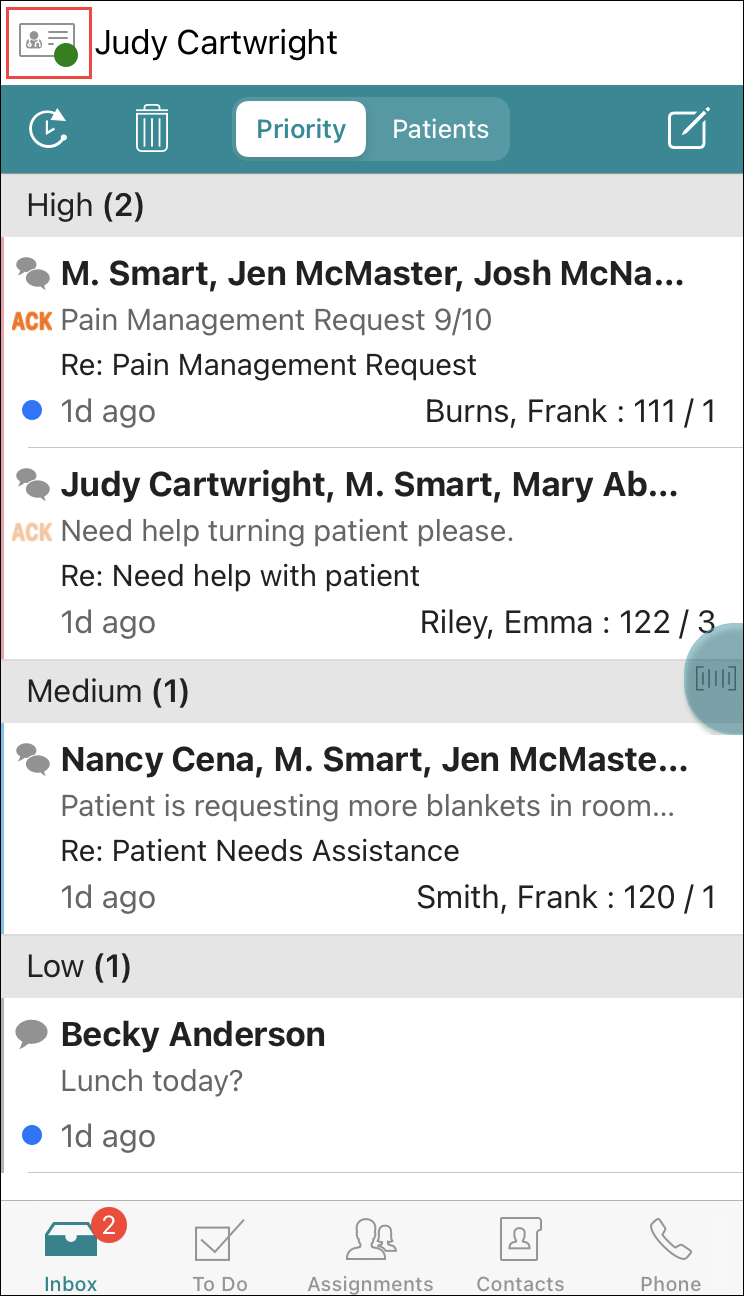
- Tap the Profile icon.
- Scroll down to view all icons and their references.