A separate Device Pool should be used for each CUCM Voice Setting in Enterprise Manager.
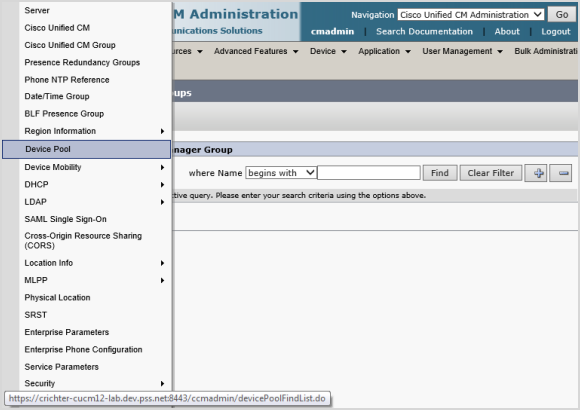
- From the System menu, select Device Pool.
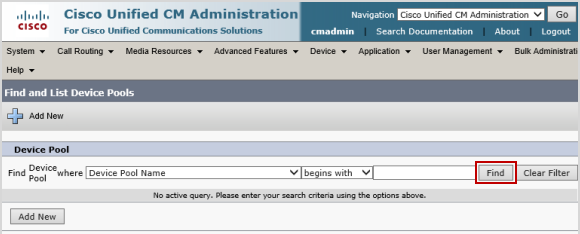
- Click Find.
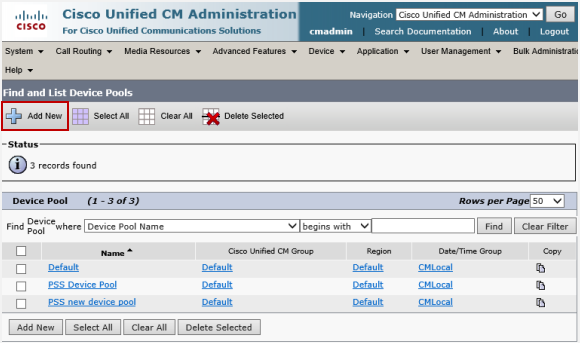
- Click Add New.
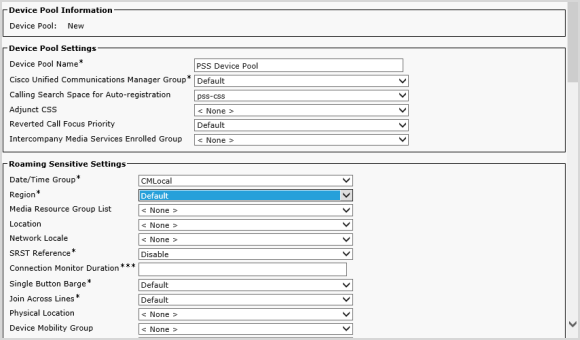
- Enter the following Device Pool Information:
-
Device Pool Name
-
Cisco Unified Communications Manager Group - Default
-
Calling Search Space for Auto-registration - pss css
-
Date/Time Group - CMLocal
-
Region - Default
-