You can create a VMP user and enable SOAP access for this user from Engage.
Note: To enable SOAP access from Engage, VMP
must be licensed to use the Pager Inbound SOAP Connector. By default, VMP
licenses do not include this connector. See Configuring the VMP License for
more information on licensing.
-
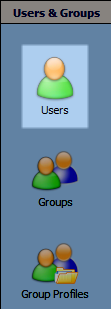
From the VMP Administrator, select Users & Groups >
Users.
-
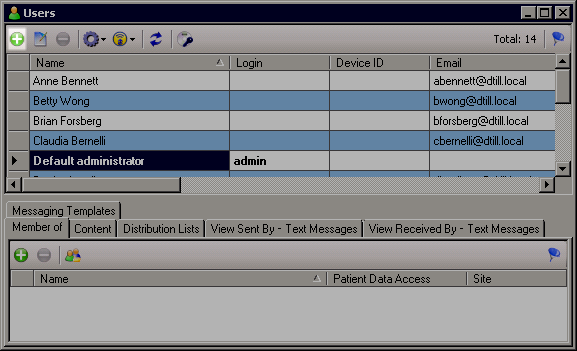
In the toolbar in the Users pane, click Add.
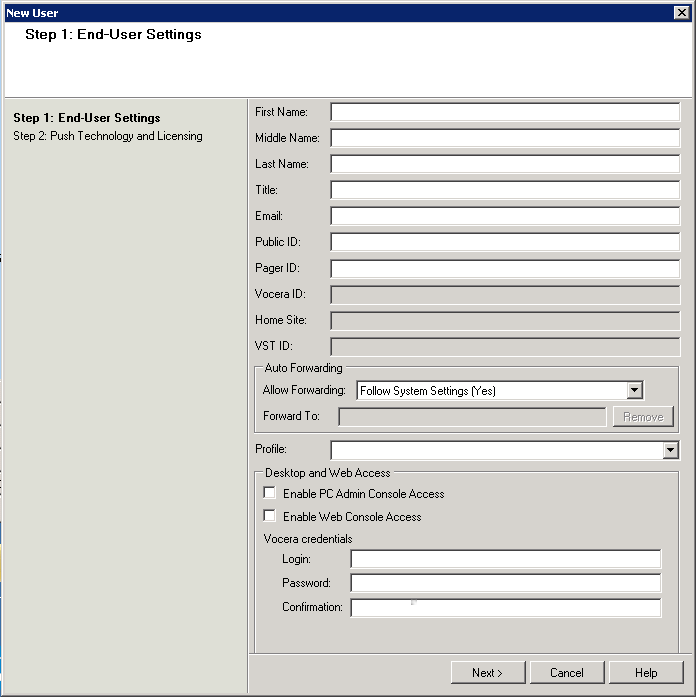
The End-User Settings window appears.
-
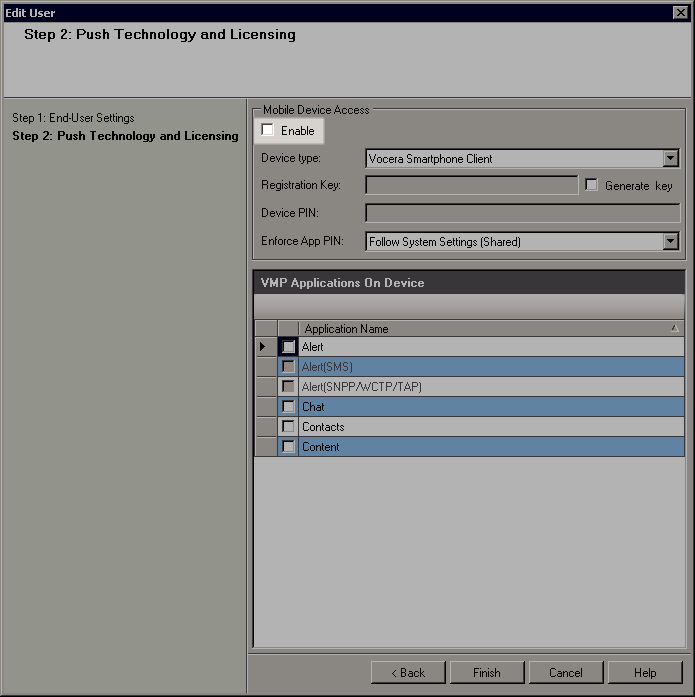
Click Next to display the Push Technology and Licensing
window. Ensure that the Enable checkbox in the Mobile Device Access section is
cleared.
-
In the toolbar, from the User preferences
dropdown list, select
User rights.
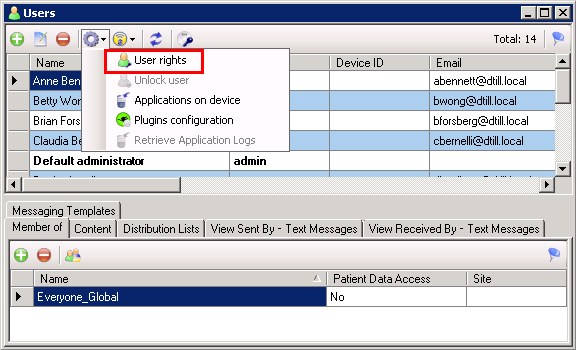
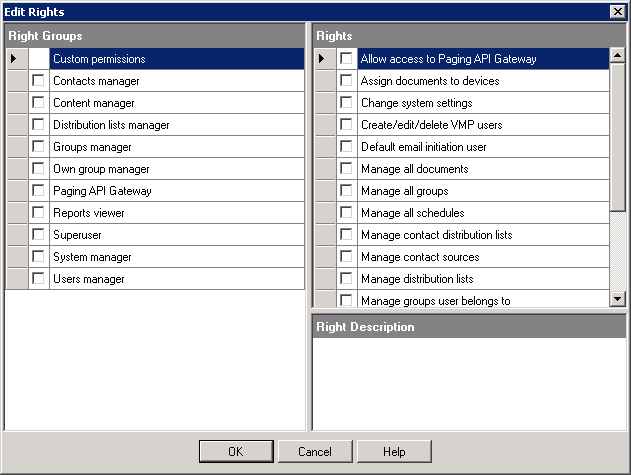
The Edit Rights dialog box appears.