Follow these steps to log into the Vocera Alarm Analytics main screen.
-
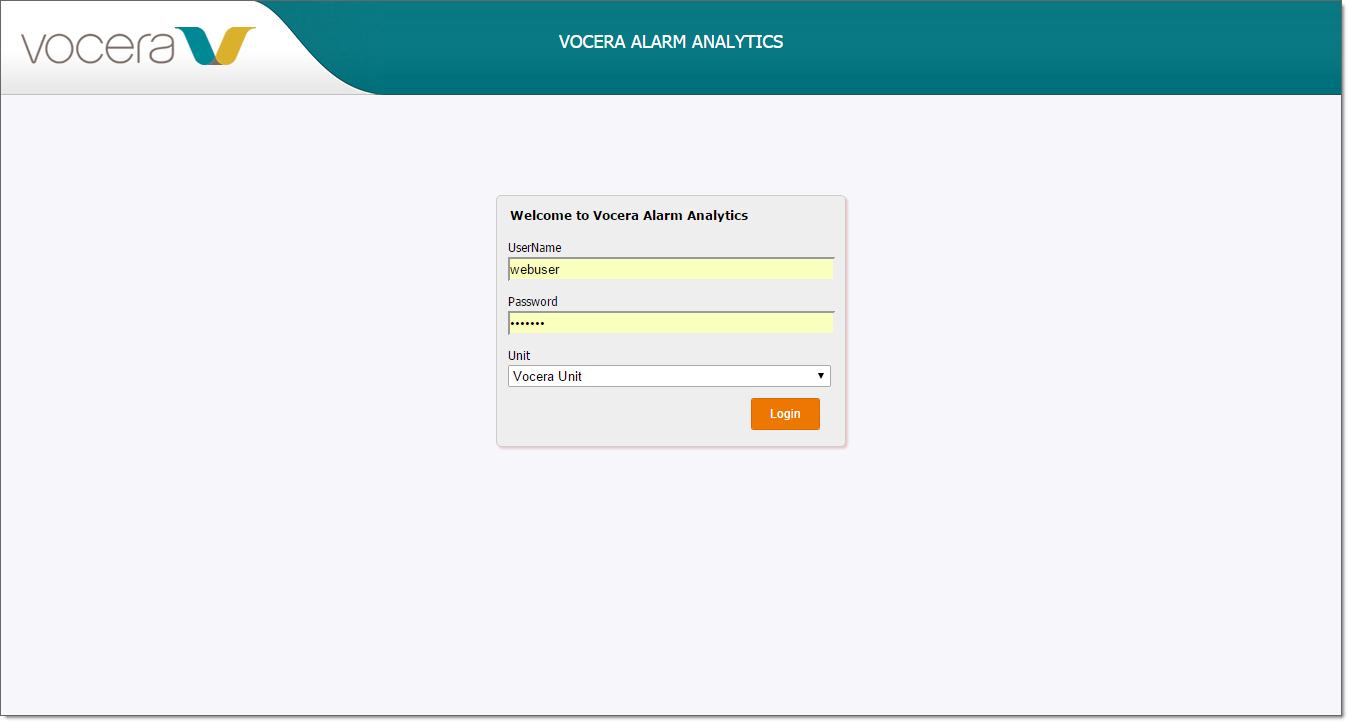
In your web browser, type http://hostname/VoceraAlarmAnalytics/, where hostname
is the IP address or domain name of your Vocera Alarm Analytics server. The login
screen appears.
-
In the UserName field, enter your user name.
-
In the Password field, enter the password for your user name.
-
In the Unit dropdown list, specify the unit that you want to display on the
alarm dashboard.
-
Click Login to log in and display the alarm dashboard.
