To use the VMP Web Console, you must log in using the credentials provided by the VMP Server administrator.
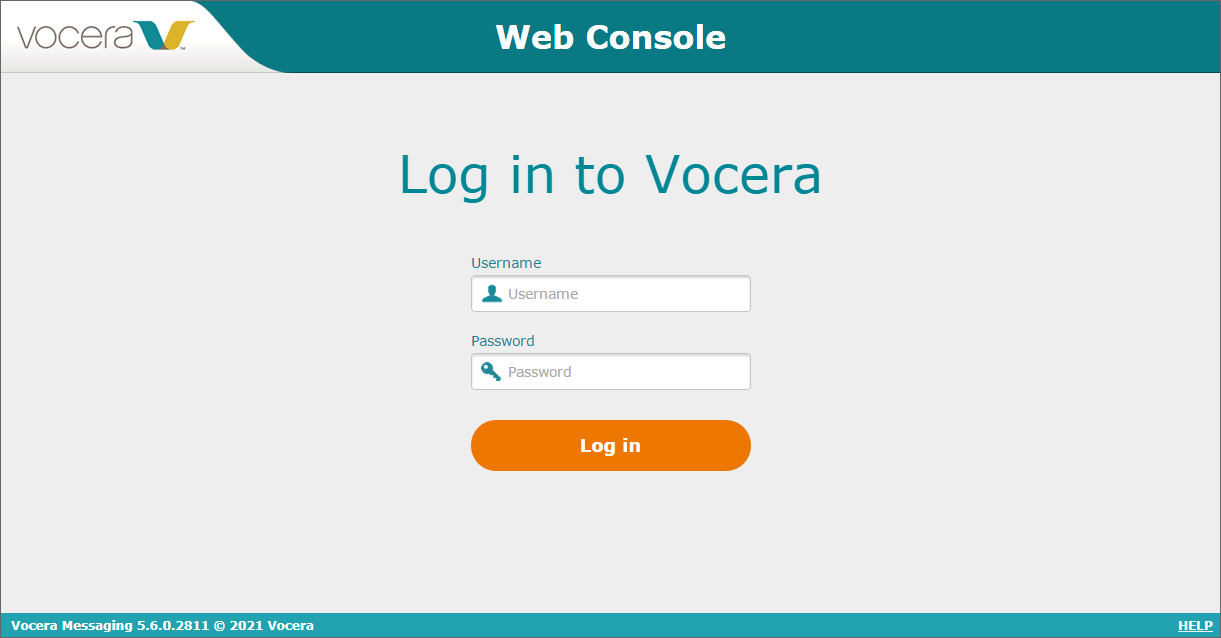
- In the Username field, type the username provided by the VMP Server administrator.
- In the Password field, type the password for your username.
- Click Log in to log in to the VMP Web Console.
Note: If you are a Vocera Secure Texting user, you cannot log into the VMP Web Console.