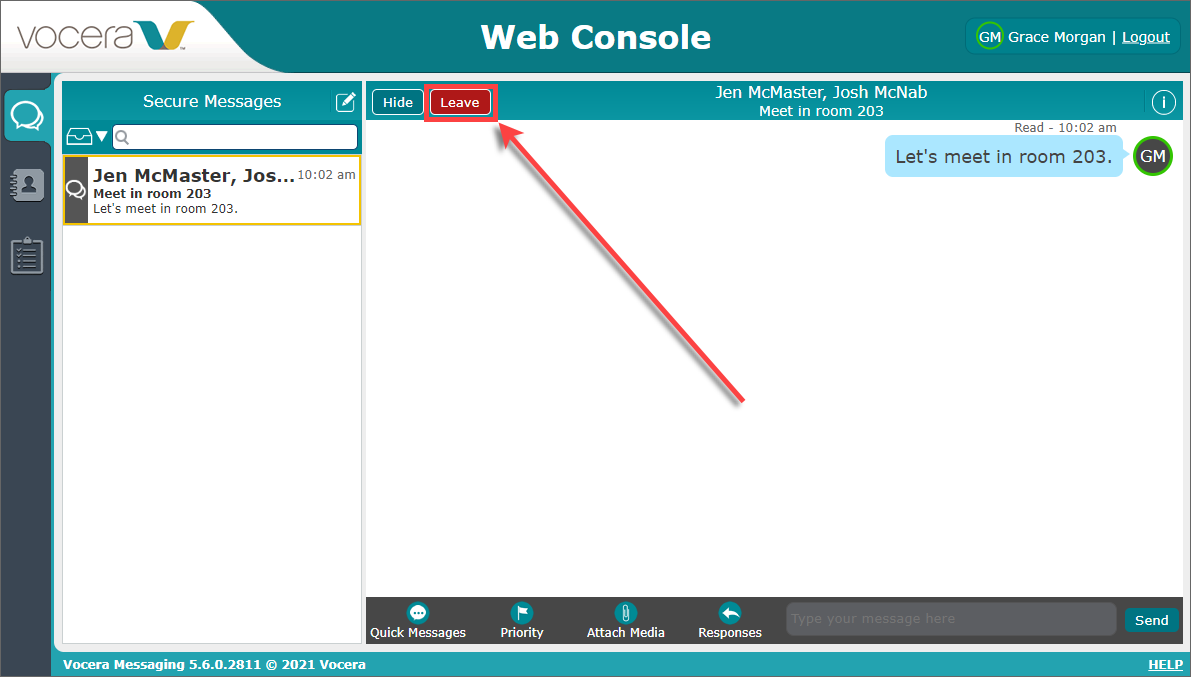
If you no longer want to participate in a multi-person conversation, you can leave it.
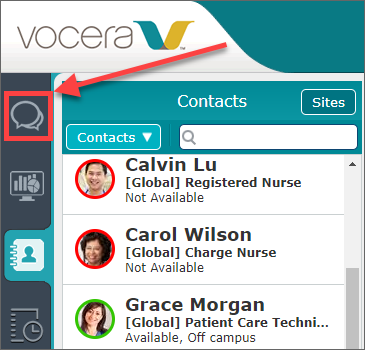
- Select the Message tab.
- Click Leave.
When you leave a conversation, other conversation participants are notified that you have left the conversation.
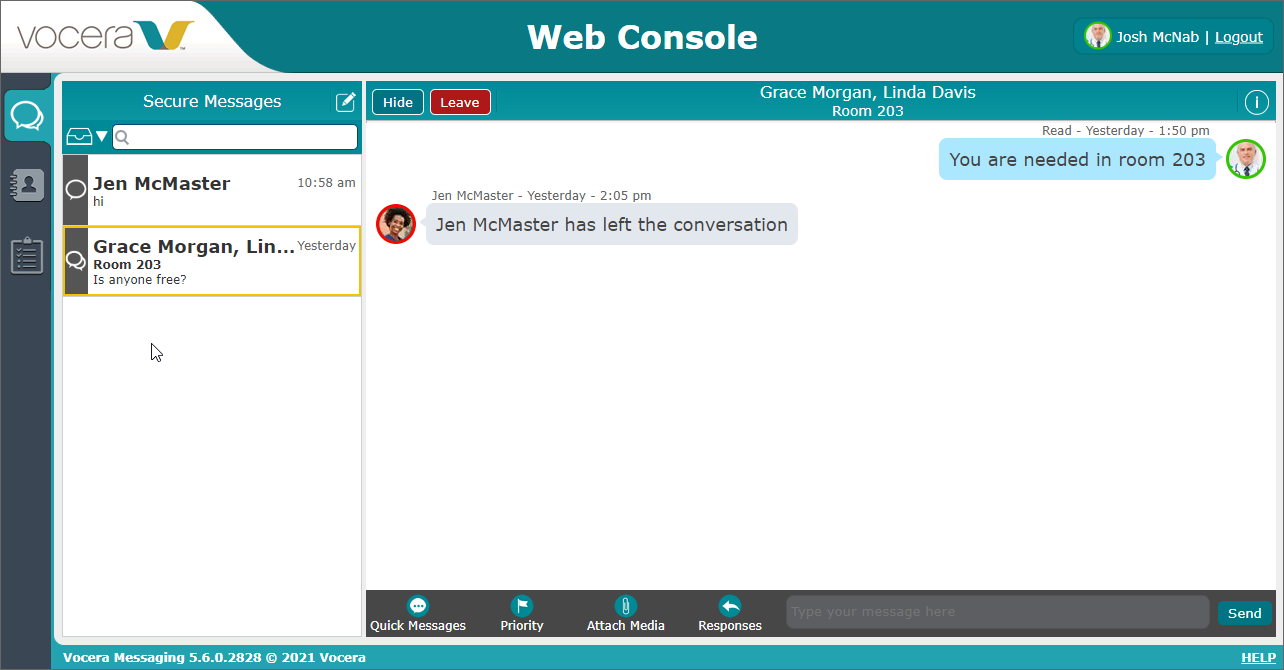
If a Vocera Secure Texting user is in the conversation that you have left and sends a message to the conversation, you are automatically added back to the conversation, and users are not notified that you have returned to it.