Use pre-defined Templates to quickly create Comma-Separated Value (CSV) files to upload bulk data to the system in the Vocera Engage Web Console.
To import data using a pre-defined template, perform the following steps:
- Select Bulk Actions in the Manage section.The Bulk Actions page displays.
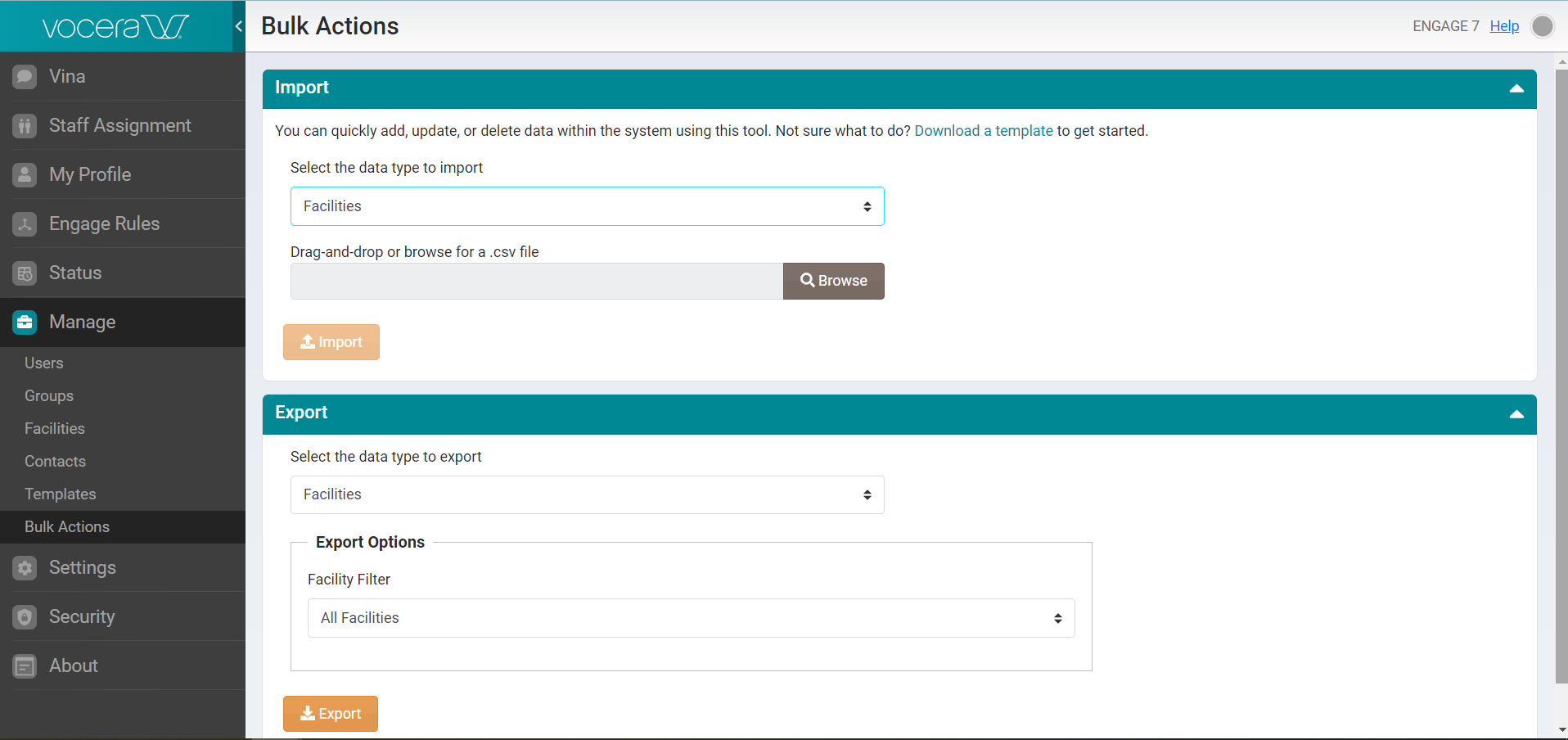
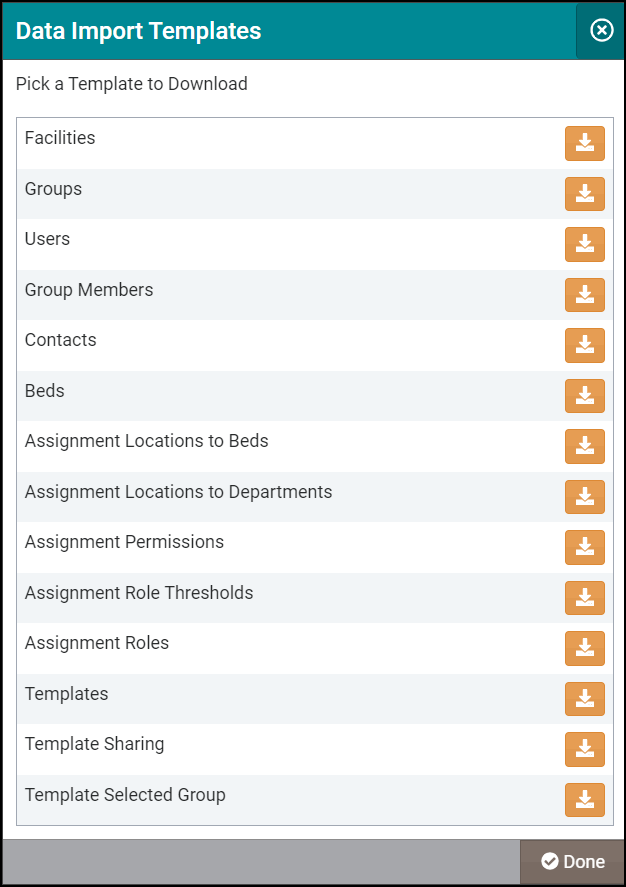
- In the Import section, select Download a template to display the list of available CSV template options for download.

- The CSV import templates are in Microsoft Excel format. Use these templates to enter the data you want to load, then save them in a local or network folder.
- Select Browse to locate your updated CSV file on your computer and upload it to the system, or drag and drop the file from your desktop. The following screenshot displays a Main_Hospital_Facilities.CSV file:
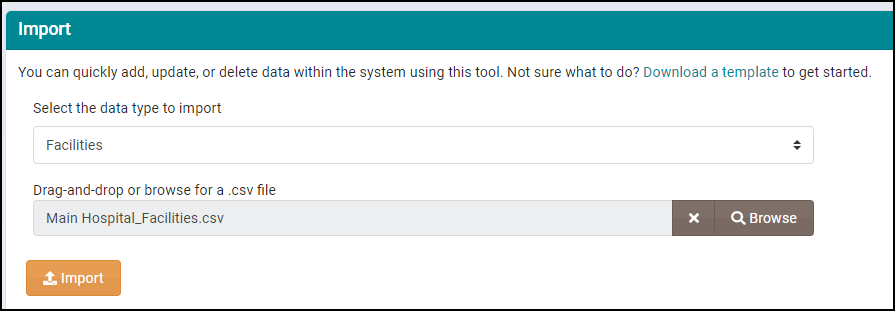 Note: The Import button activates only after you drag and drop or upload a CSV file in the Browse field.
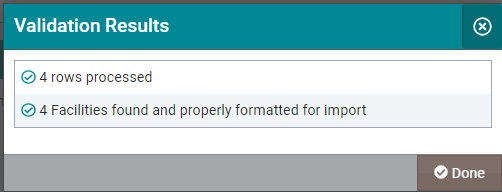
 - Select Import to import the uploaded CSV file to the system.The system validates the imported file and displays a Validation Results screen with the information on the fields processed through the import action.