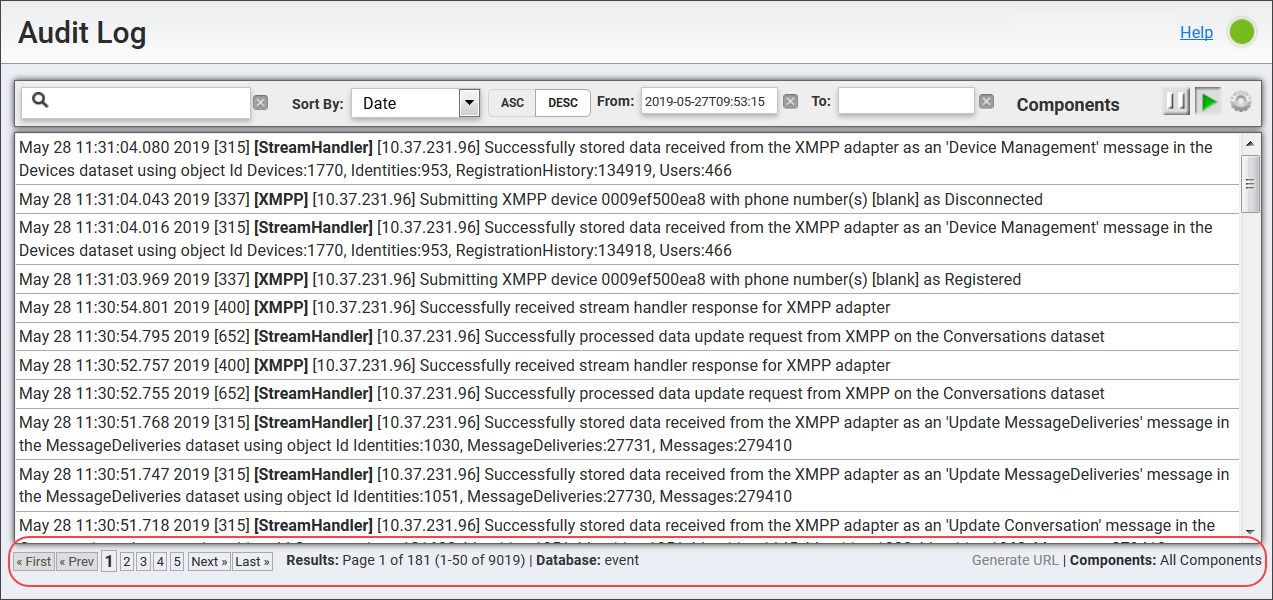
Scroll through the audit event list pages in the Vocera Engage Web Console, and see the number of page results, the database being viewed, and the components selected for view. Capture the URL of the current database view to share with other users.
To view Audit Log pagination results, perform the following steps:
- In Audit Log, view the status information in the footer.