Adapters are used to collect, collate, update, and send alerts, alarms, and messages, to end users. Vocera Engage uses adapters to integrate with external systems and devices.
You can configure each adapter to include information that allows Vocera Engage to communicate and interact with a specific type of resource, and the devices that resource may control. Adapters can allow the Vocera Engage to monitor and collect data as well as send data out when triggered manually or automatically.
If not provided by default in a Vocera Engage EMDAN solution, an adapter package can be manually implemented. The adapter package has to be uploaded to Vocera Engage, and then installed and configured. Once the adapter configuration is enabled, Vocera Engage can utilize the adapter's functionality. Multiple instances of an adapter can be created in Vocera Engage.
An adapter's service status can be verified or enabled in Status > Adapter Services.
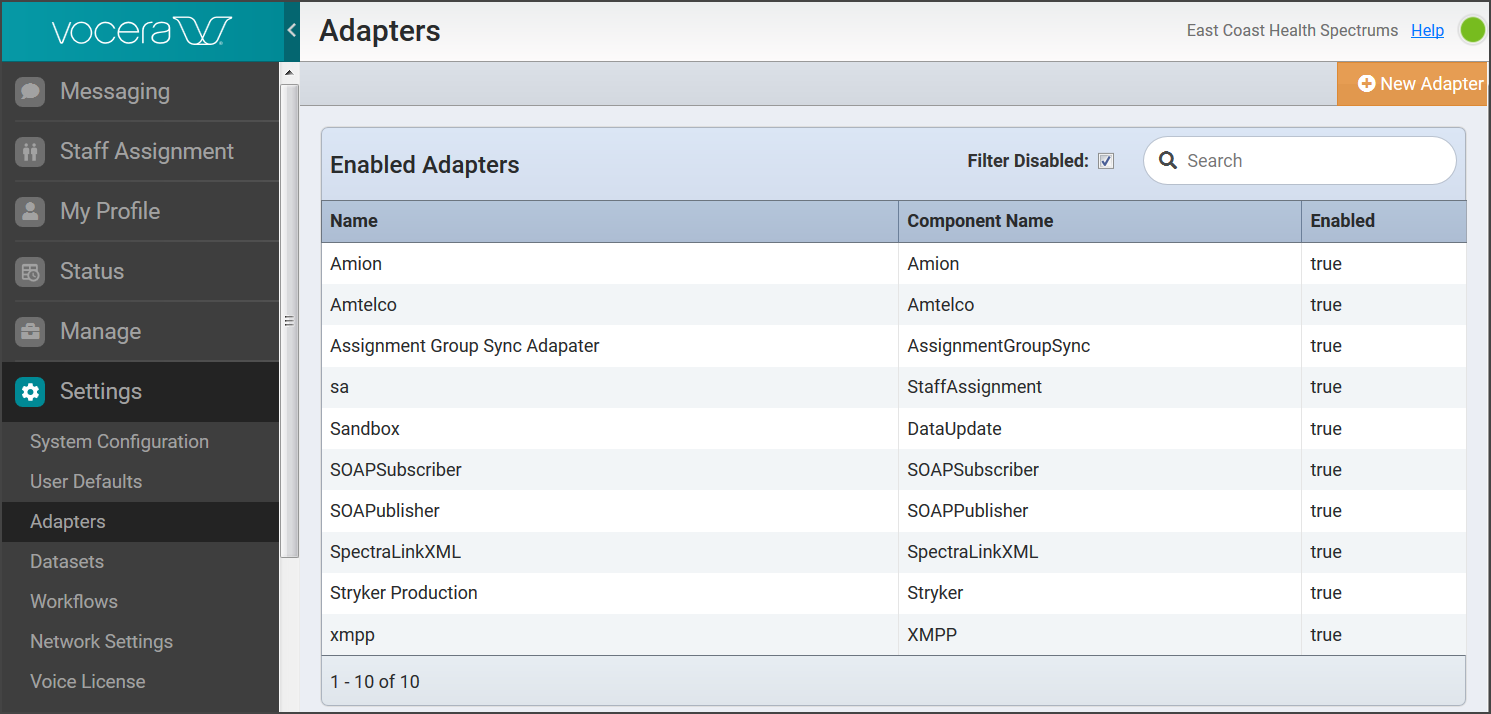
In the Vocera Engage Web Console navigation menu, select Settings, then Adapters.
The Adapters page displays a list of adapters installed on the Vocera Engage. On this page you can identify installed adapters by component or reference name. The adapter list can be filtered by a search term, or by enabled status. In addition, from this page you can choose to create a new adapter instance.