Datasets in Vocera Platform allow the Engage Rules application to access a large amount of contextual data, such as data about users, groups, devices, templates, and more, to generate alarms, alerts, and notifications which are delivered to the recipients configured in the escalation path's destinations.
The terms "alarm" and "alert" are used interchangeably in the Engage Rules application documentation. To be specific, an Alarm is an audible, vibratory, or visual signal that a potential or actual hazard exists. Alarms can be generated from a medical device or system, such as patient monitors, ventilators, and IV pumps. The term Alert refers to an audible, vibratory, or visual signal that a potential or actual hazard exists. Alerts are generated nurse calls, labs, and orders; they are not generated from medical devices. Both alerts and alarms are incorporated in the messages communicated to medical staff via the Engage Rules application.
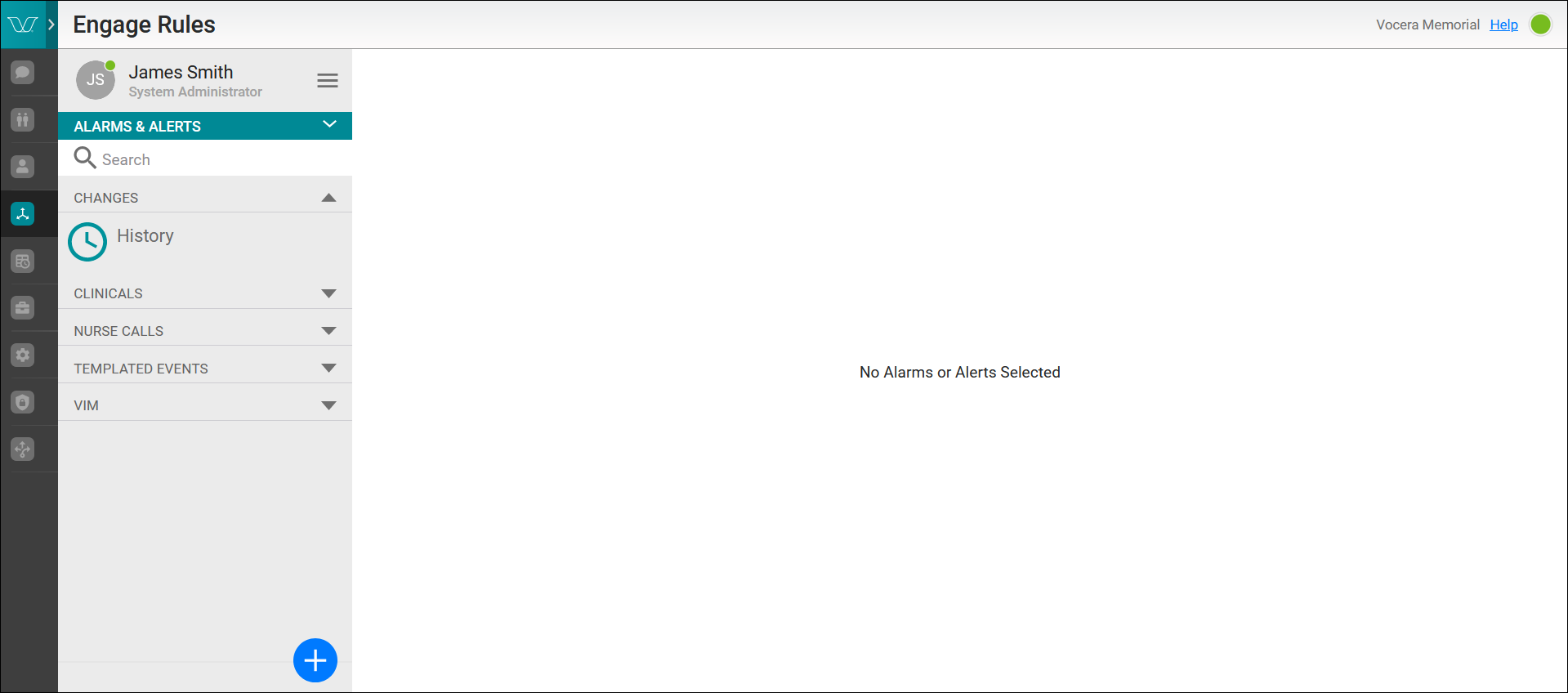
The Engage Rules application provides the user interface where attributes can be safely and easily configured for alarm and alert delivery.
Vocera Platform enables the flow of meaningful, actionable information between people and systems and allows it to be received when, where, and how it's needed, keeping the patient at the center of care. Datasets on Vocera Platform store this information.
The Vocera datasets are defined by their purposes, such as NurseCalls, Deliveries, or Conversations, and are built to house specific pieces of data in their attributes. The relational nature of these datasets allows Vocera Platform to store and reference contextual data about each alarm or alert. For example, when an alarm is triggered and processed, data is added to many attributes on a number of different datasets to provide the proper processing and context for the alarm.
In the Engage Rules application, the Type field that is configured on an alarm definition provides that link to the Vocera datasets. Once the alarm definition is used in a rule, the dataset Type cannot be revised; the field text displays gray and unavailable.
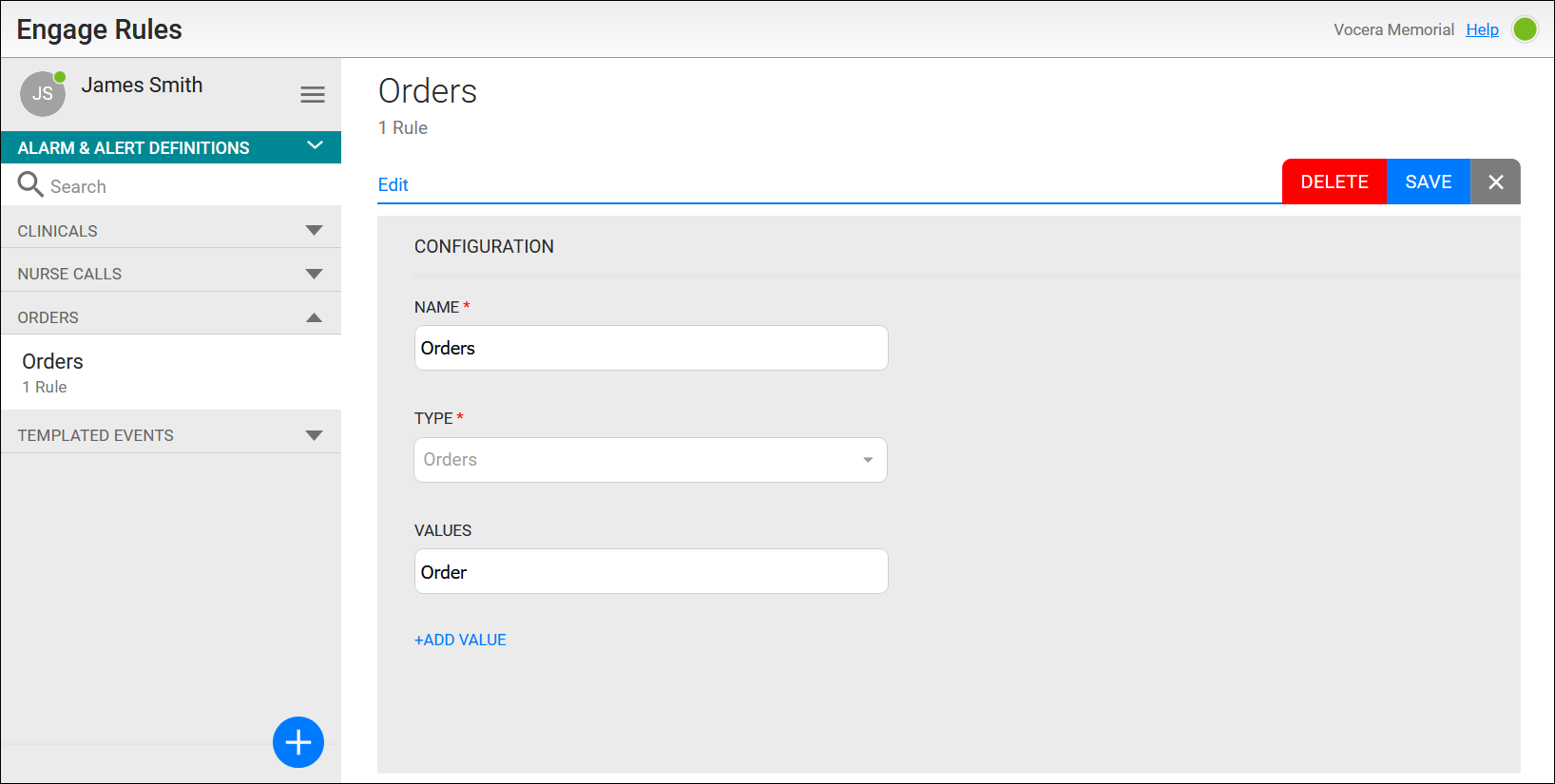
Datasets may link to other datasets and allow linked attribute access across two or more datasets. For example, an alert is linked to a patient, room, and bed to display this information on the user's device when the alarm is triggered. Each of these respective attributes is stored in separate datasets. Attributes, conditions, and rules configured on a dataset are used to manage this information. The dataset is specified in the Type field in the Alarm & Alerts Definition configuration dialog.
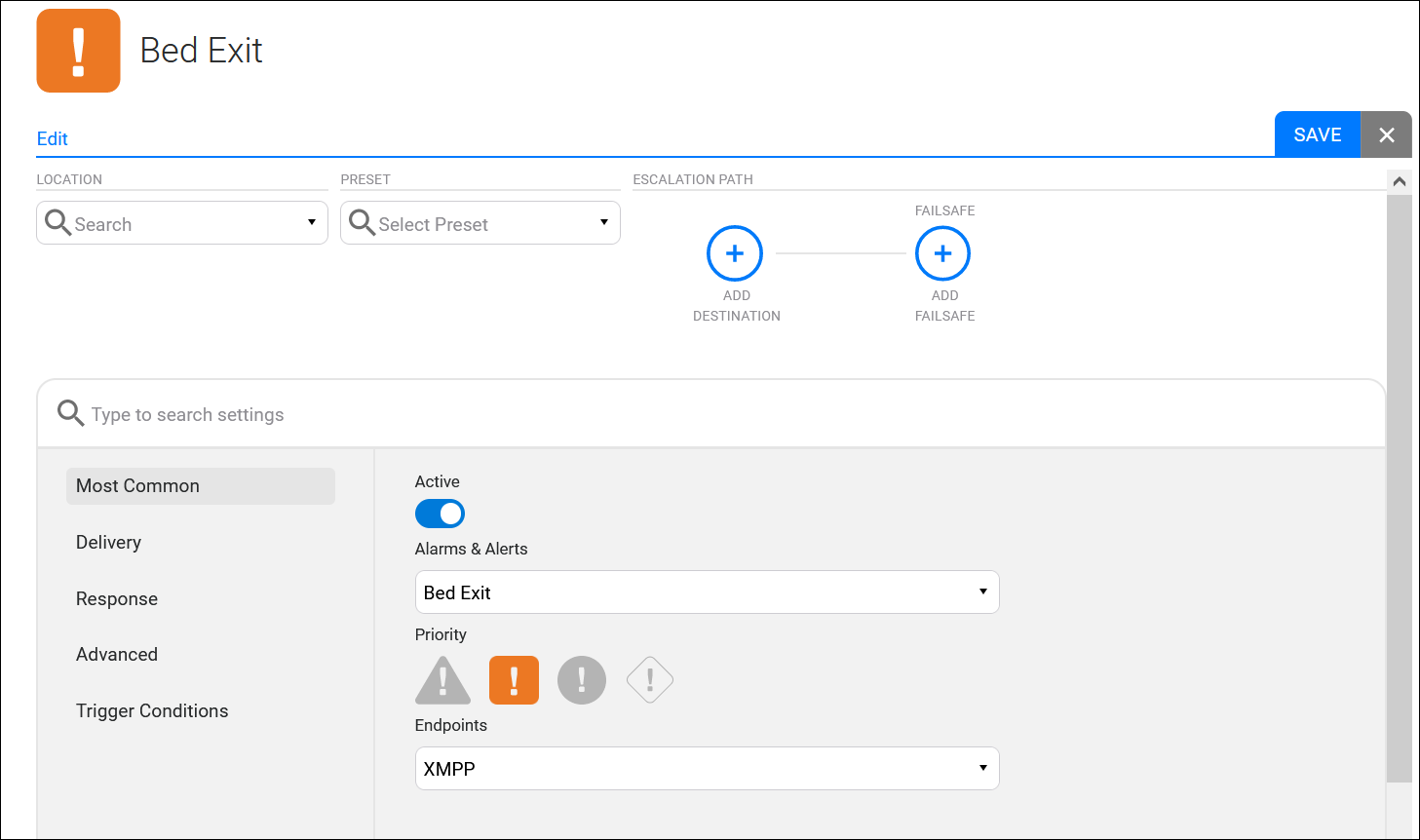
In the Engage Rules application, the endpoint attributes are found in the Settings section of a rule configuration.
An attribute is a single data point on a dataset that contains a specific type of value (such as an alarm type or a device's MAC address). The Vocera datasets store and reference a large amount of contextual data about each alarm. When an alarm is triggered and processed, data is added to many attributes on a number of different datasets in order to provide the proper processing and context for the alarm.
In the Engage Rules application, conditions are configured in the Trigger Conditions section which is also found in the rule's Settings.
Conditions provide access to a subset of a dataset when only particular events or records within a dataset are needed. Conditions share the keys of their dataset, but each condition has a unique combination of filters. Filters on a condition are set by selecting an attribute, defining a value, and selecting a comparator. Attribute paths expand the filter's functionality, and templates can be used in special cases to evaluate before the filter is applied. Through the combination of filters, it is possible to make detailed distinctions between conditions.
If a condition is to be used as the trigger condition for a rule, the condition's filters may optionally have templates which specify expressions relative to the triggering object of the rule. Such expressions will be evaluated before the trigger condition for the rule is tested.
For example:
Attribute path: bed.locations.assignments.usr.current_location.id
Comparator: Included in
Value: #{bed.location.id}
.