Your administrator may have configured your environment to allow you to use a single sign-on mechanism to access Vocera Platform Web Console.
In a single sign-on environment, you use the credentials provided to you to log in to your system. These credentials are then automatically applied when you access Vocera Platform Web Console. You do not need to log into Vocera Platform Web Console separately.
To log in using single sign-on:
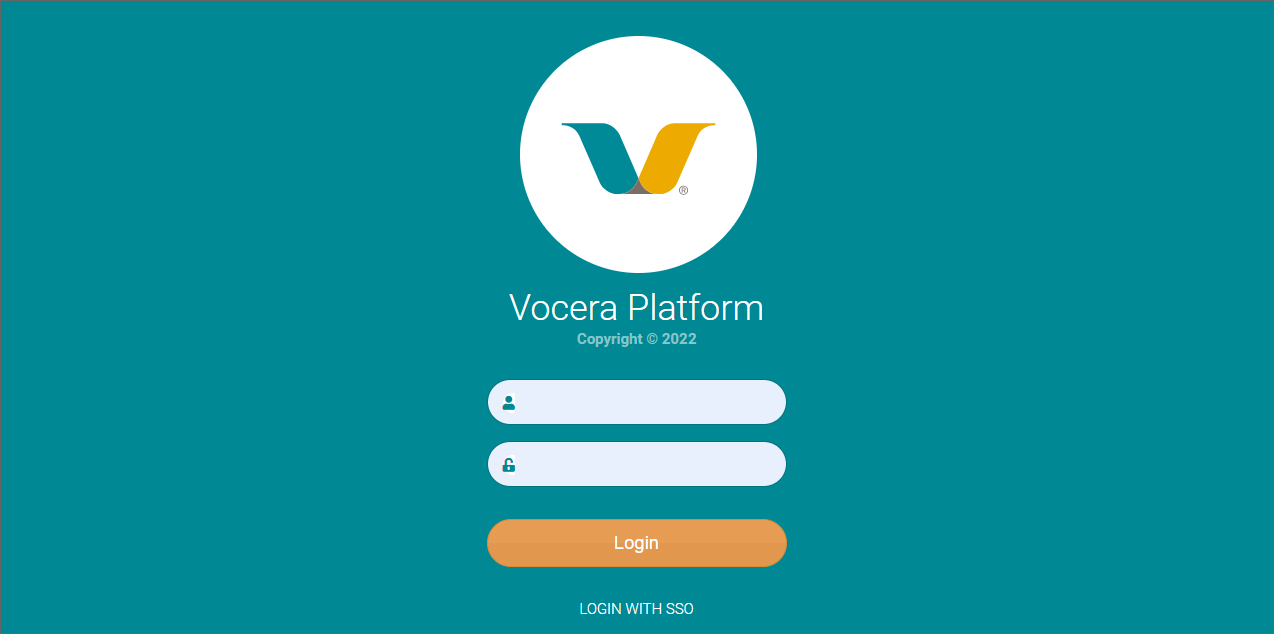
- If the local login screen appears, click Login With SSO to use single sign-on to log in.
Vocera Platform Web Console logs you in automatically and redirects you to the Home screen.