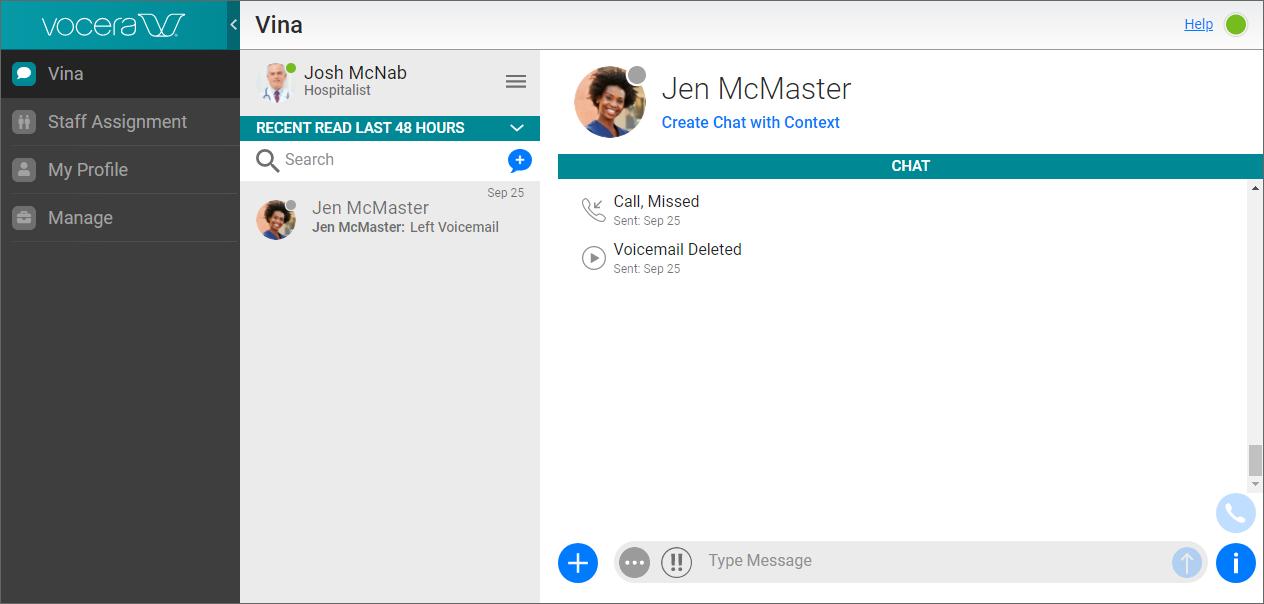
You can view any conversation that has been archived within the last 12 months.
You can search up to 12 months of archived conversations.
To view an archived conversation:
- In the Home screen, click the arrow icon.
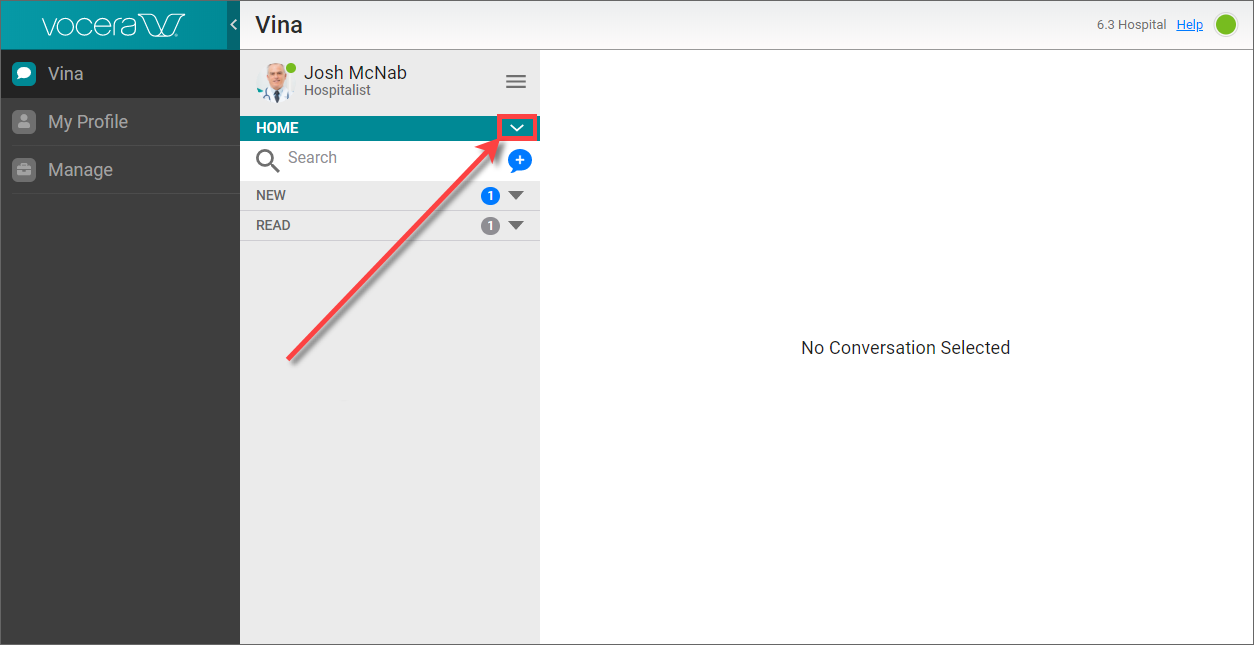
A popup menu appears.
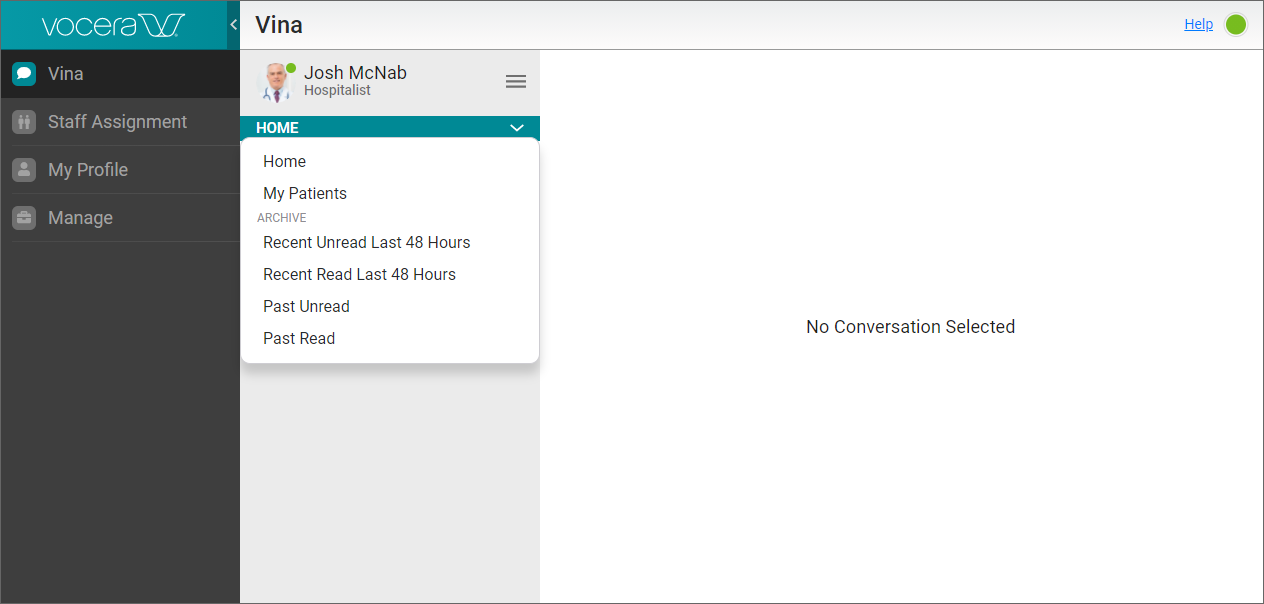
- From the popup menu, select from one of the following:
Select Recent Unread Last 48 Hours to view a list of unaccepted alarms and unread conversations from the last 48 hours.
Select Recent Read Last 48 Hours to view a list of previously viewed conversations from the last 48 hours.
Select Past Unread to view a list of past unaccepted alarms and unread conversations.
Select Past Read to view a list of past previously viewed conversations.
Beside each Unread link and each Read link, there is a count of the total number of alarms and conversations in this category.
Note: Your administrator may have configured your installation to specify a period of time other than 48 hours during which messages are considered recent.
- In the list that you have selected, select the conversation that you want to view.