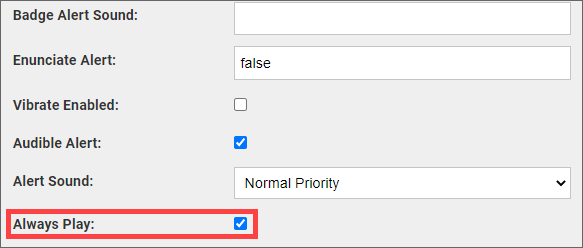
In the XMPP rule for an alarm, you can specify that the alarm is to be sent as a Critical Alert to Vocera Vina devices running Apple iOS version 12 or later.
When a Critical Alert is sent to an Apple iOS device, and the device has its Allow Critical Alerts setting enabled for Vocera Vina, a sound is played and the alarm appears on the lock screen even if the device is muted or the device's Do Not Disturb setting is enabled.
To specify that an alarm is to be sent as a Critical Alert, select the Always Play checkbox in the XMPP rule definition for the alarm.