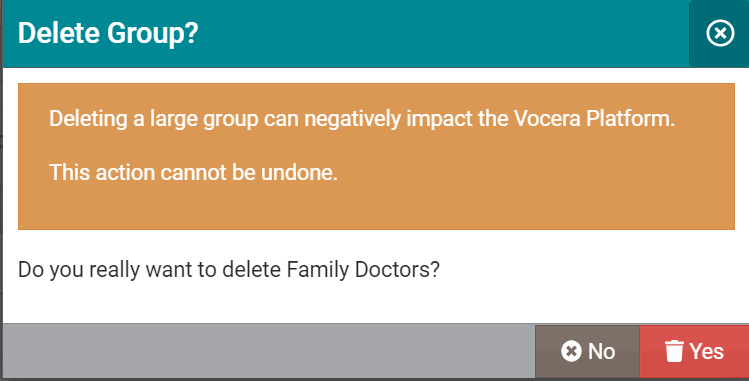
Barring the default Everyone group and the Everyone Everywhere group, you can delete an existing group from the Web Console.
To delete a group, follow these steps:
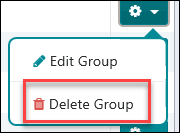
- Click the Options button in the far right of the group that you want to delete.

- Select Delete Groupfrom the dropdown menu in the Options button.
 The system displays a confirmation message to confirm if you really want to delete the selected group.
If you are deleting a large group with several group members, system displays the following warning message: