You can view any training videos that your organization has provided to show you how to use Vina at your facility. If your organization has not created videos for you, you can view training videos that Vocera has provided.
To view training videos:
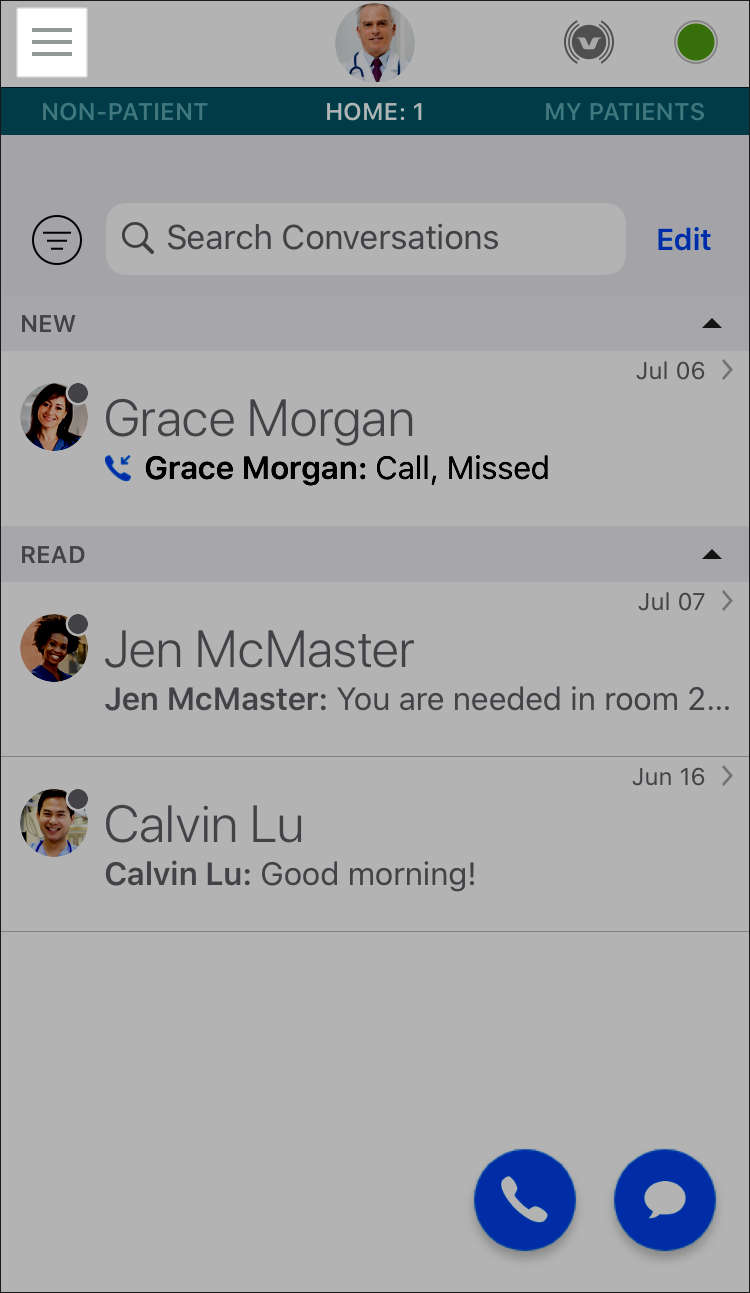
- Select the Menu icon at the top of the Home screen.
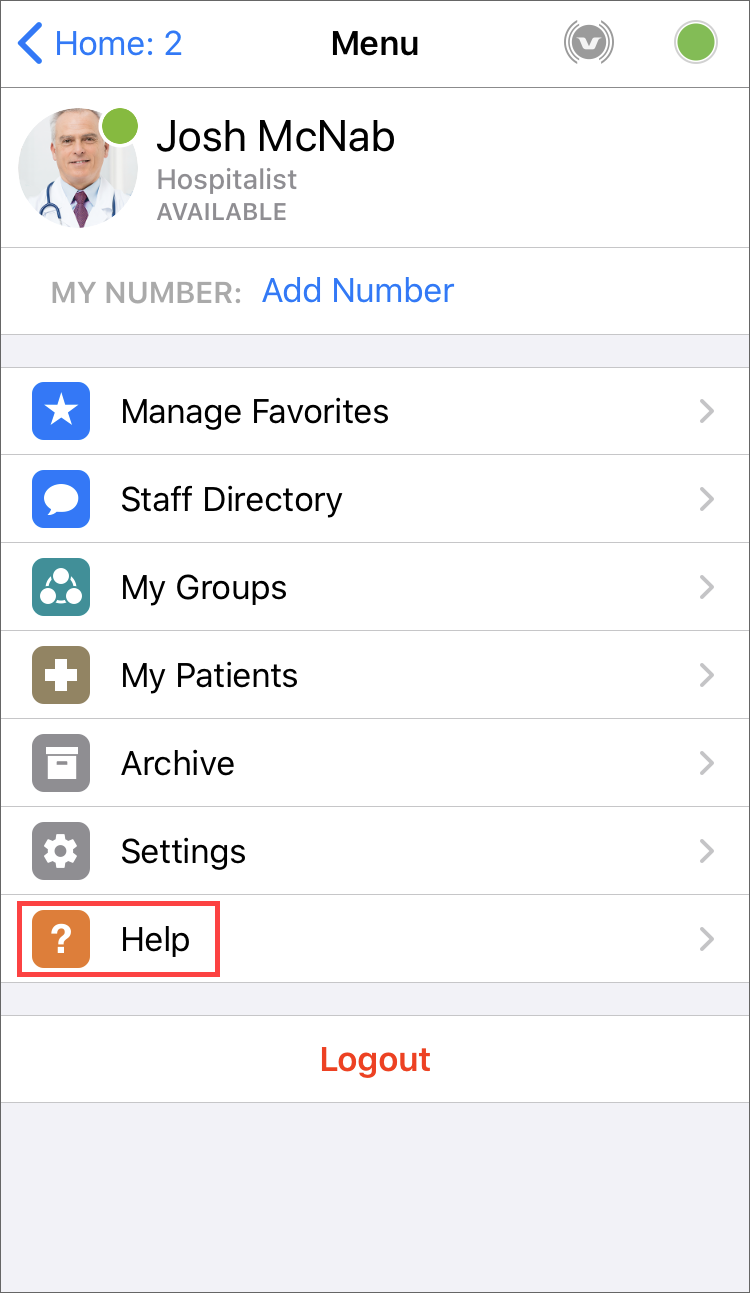
- In the Menu screen, select Help.
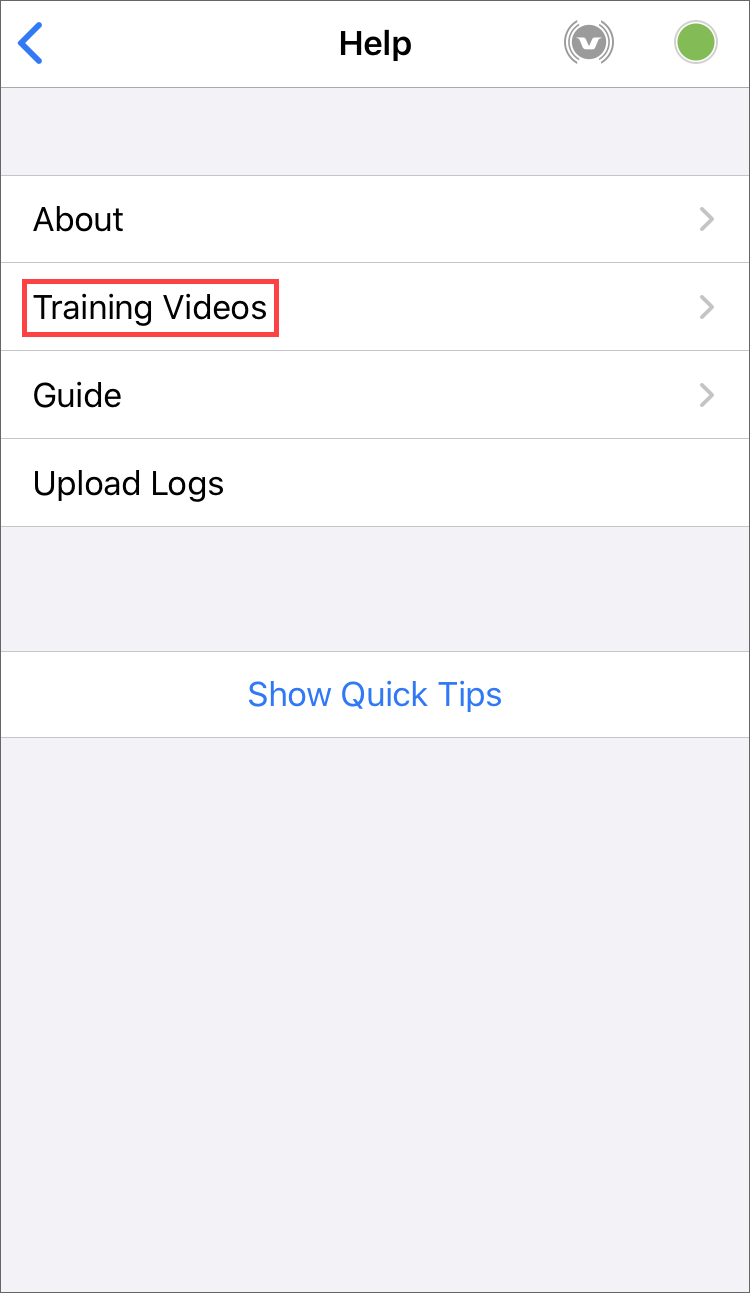
- From the Help menu, select Training Videos.
The links to your training videos are displayed in your device's browser. By default, the Vocera Minute: Vocera Vina | See How it Works page is displayed. This page contains helpful videos that describe how to use Vina.