You can now log into both Vina and the Vocera Smartbadge or the Vocera Badge at the same time. This capability enables you to make and receive hands-free calls and alarms while still having access to Vina when needed.
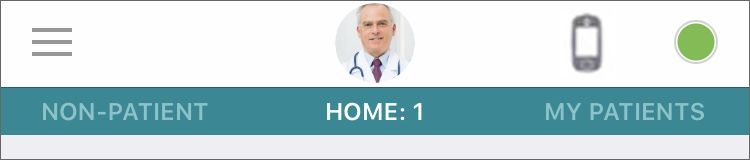
When you are using a Vocera device with the Vina app, the Vocera Genie is not accessible from Vina, and a badge icon appears at the top of the screen instead of the Genie icon:
Some details:
- If you receive a call, it is sent to your badge only. A record of the call is displayed in the call log of the corresponding conversation in Vina.
- If you place a call from Vina, the app does not indicate that a call is in progress. Instead, a conversation between you and the person that you are calling is displayed. If your call has a context, this context appears in this conversation.
- Calls, broadcasts, and voicemail initiated from Vina have their audio sent to your badge.
- When your badge is in an active call, calling is disabled in Vina.
- Alarms are displayed in both the badge and Vina.
- When you are using a Vocera device with the Vina app and you set Do Not Disturb on your badge, Vina indicates that you are unavailable.
- Text messages are delivered to both Vina and the badge. On Vina, sound notifications for text messages are not played. A note is added to the conversation log indicating that the sound was not played.
- When you are using a Vocera device with the Vina app, the Vina Home screen indicates that calling is disabled.
At any time, you can log out of either Vina or the badge while remaining logged into the other device.