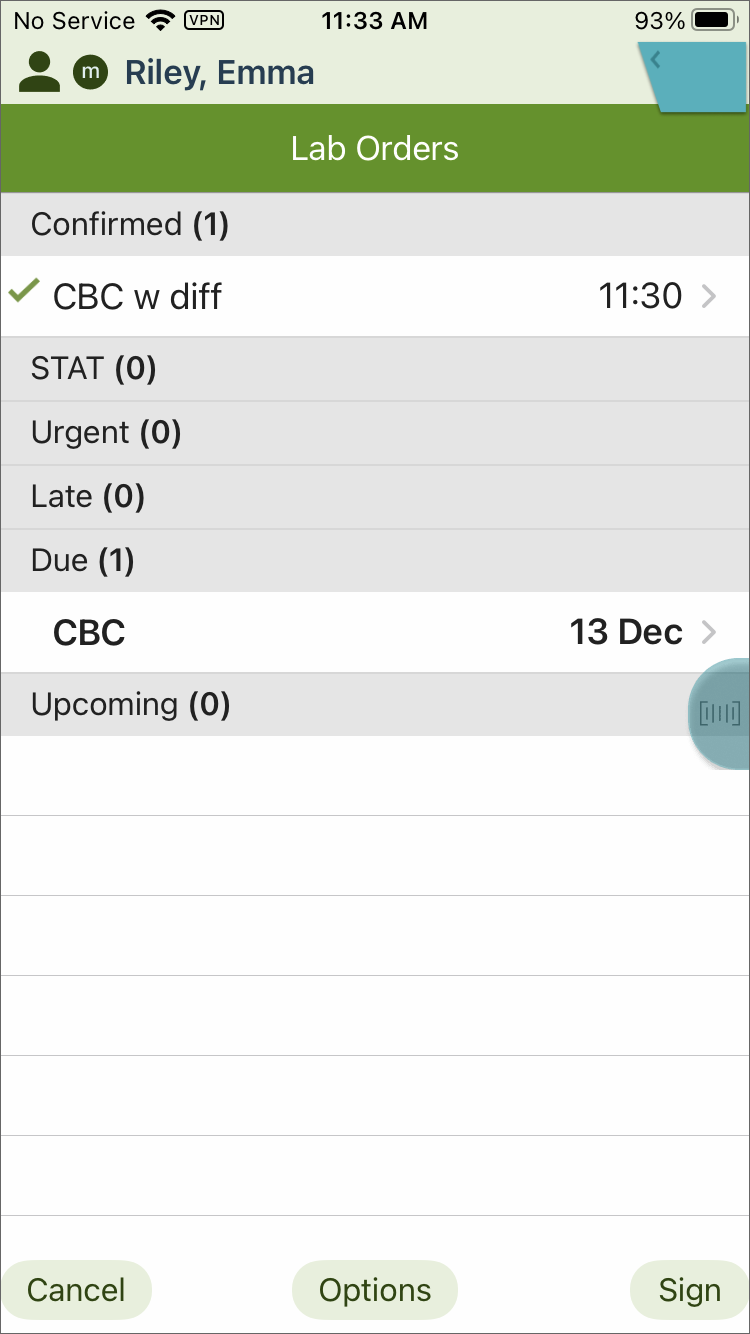
When the "Require Badge Scan to Document" setting is disabled on the Vocera Edge Clinical Manager, users can tap Sign to complete the Specimen Collection workflow, or they can scan their badge. When the setting is enabled, users are required to scan their badge.
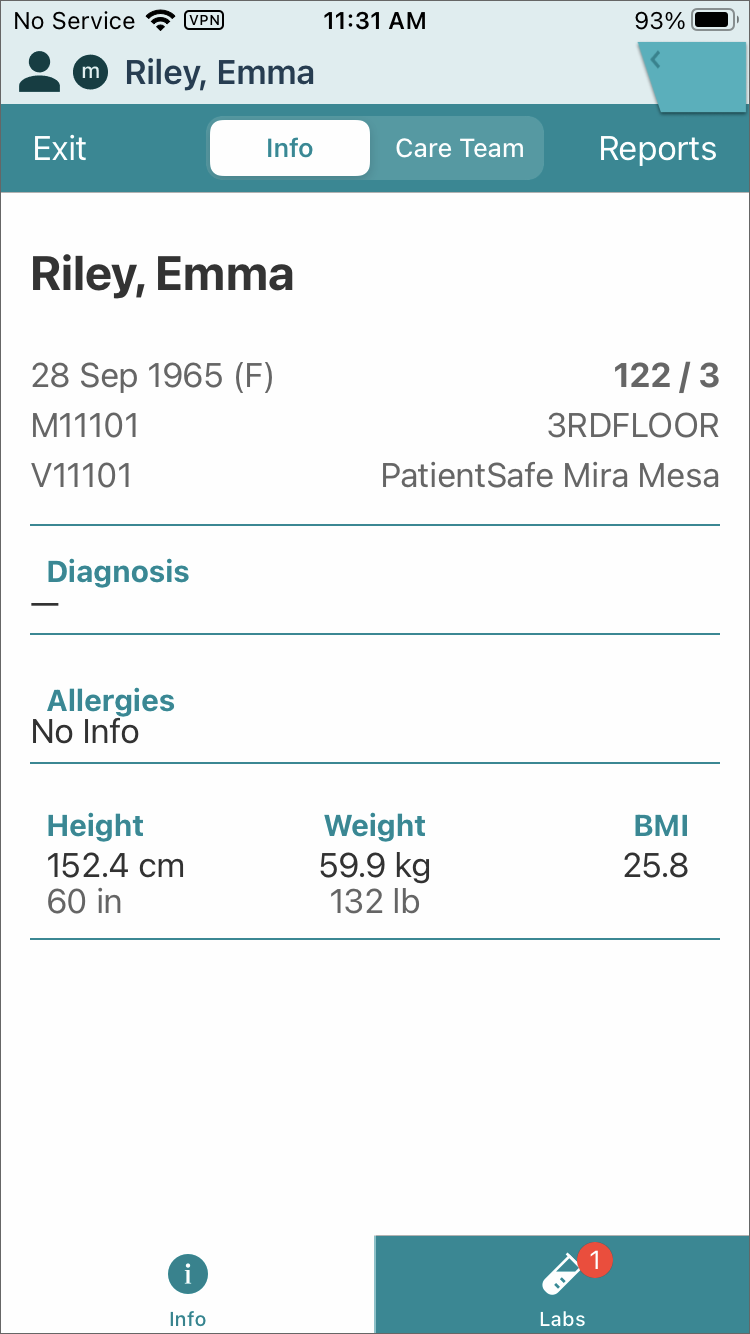
- After scanning the patient wristband, tap the Labs tab.
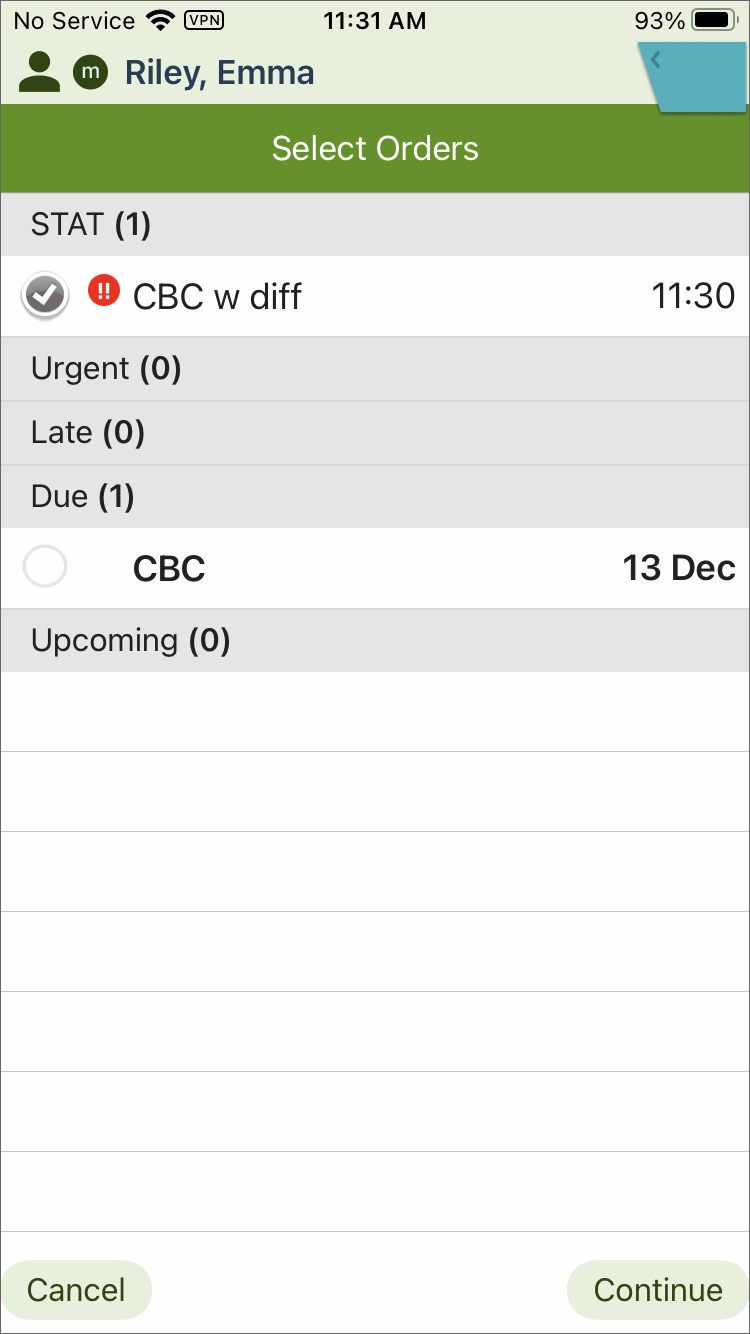
- Tap Continue.
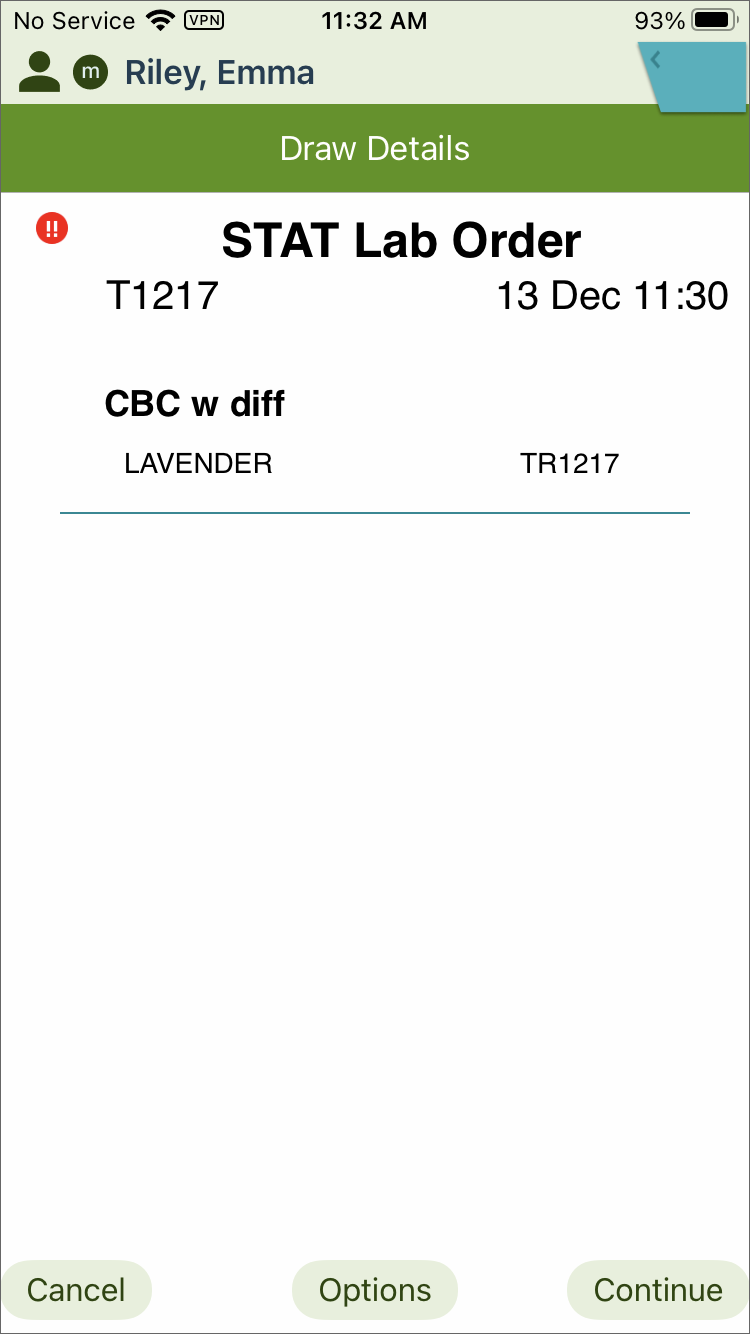
- Review the order, then tap Continue.
- Tap Print to print the labels.
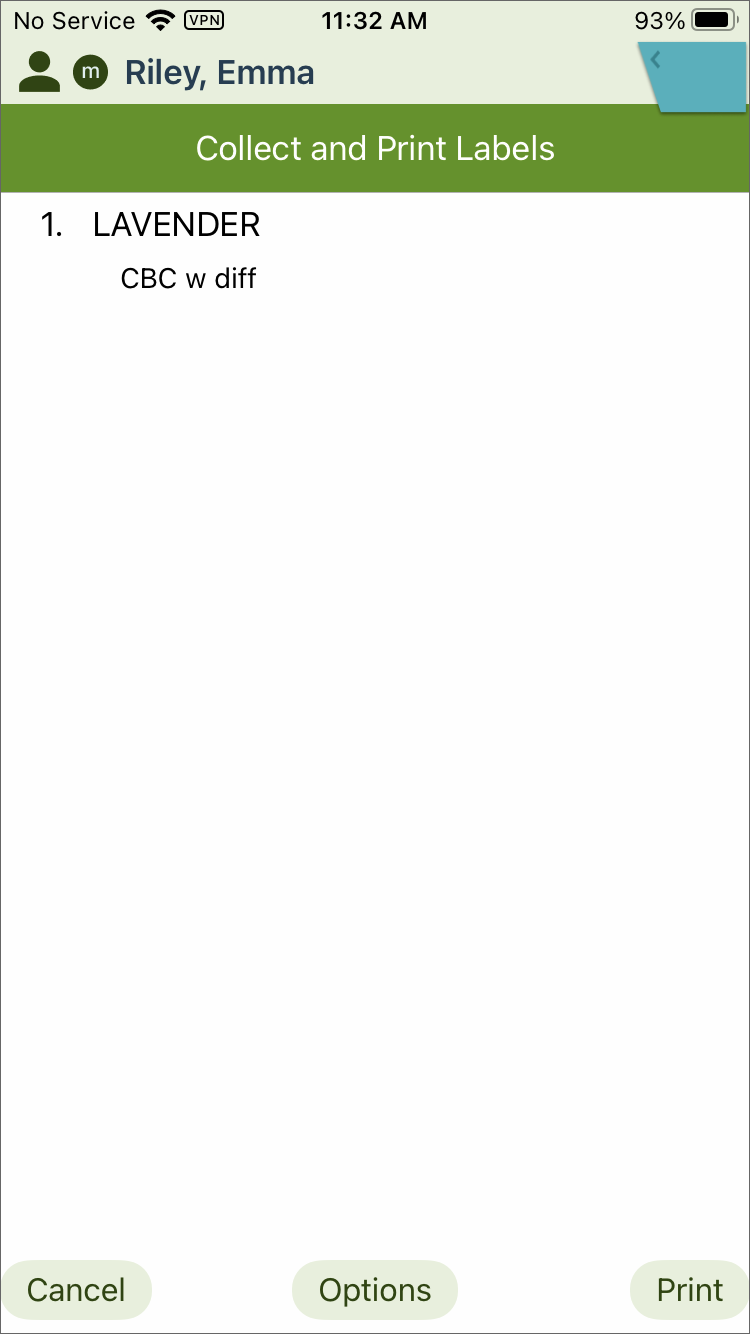
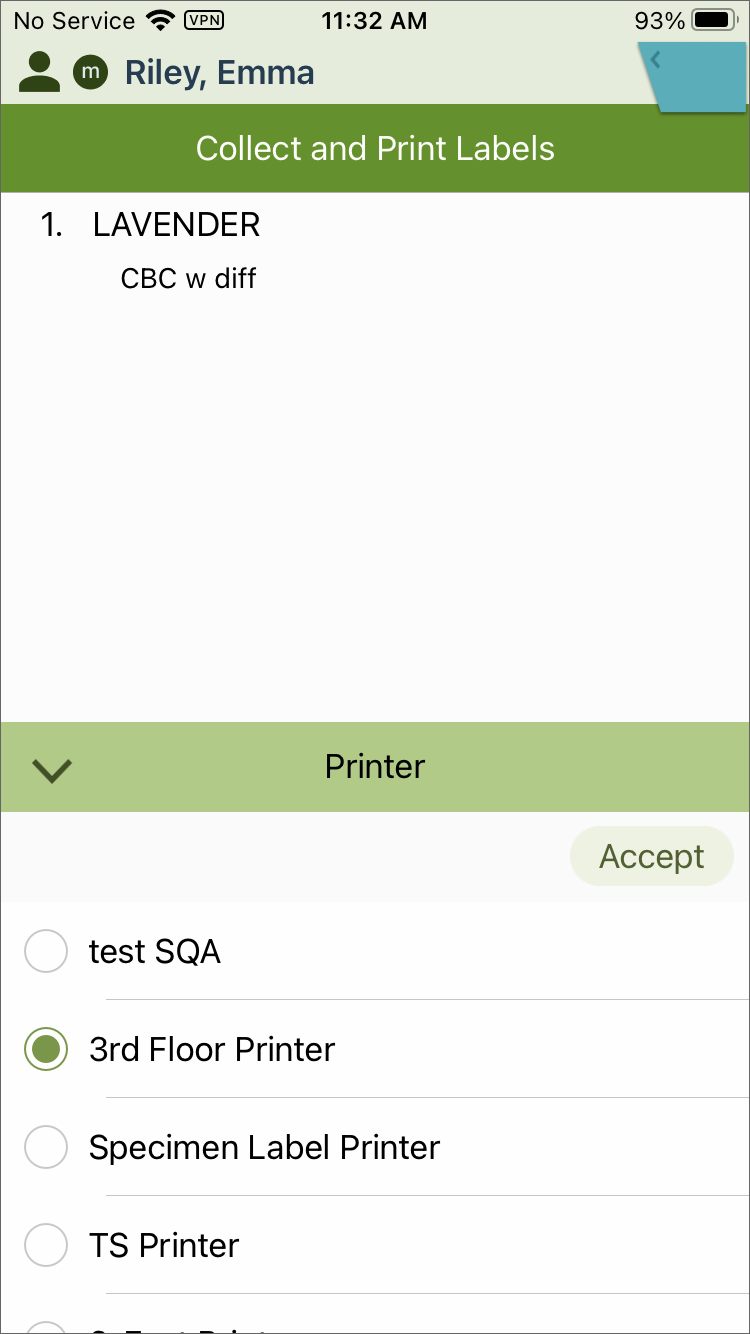
- Tap Accept.
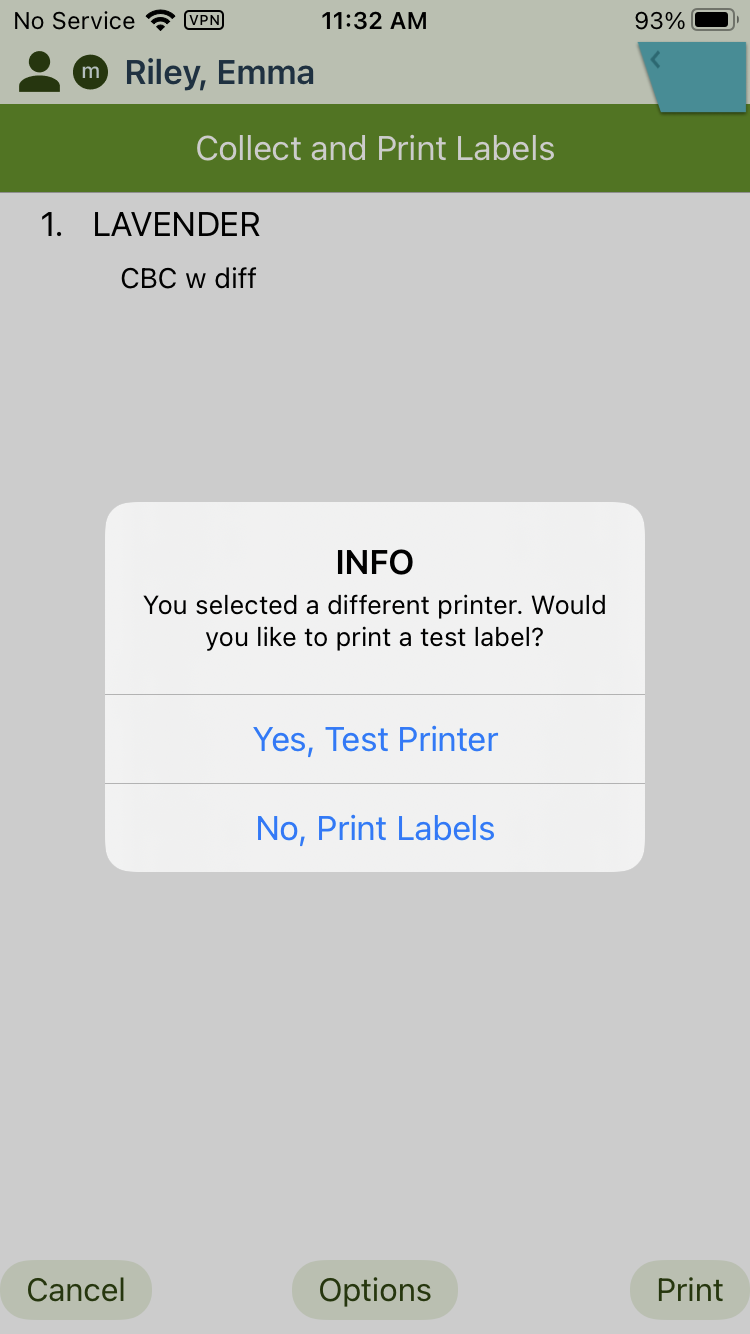
- Tap No, Print Labels.
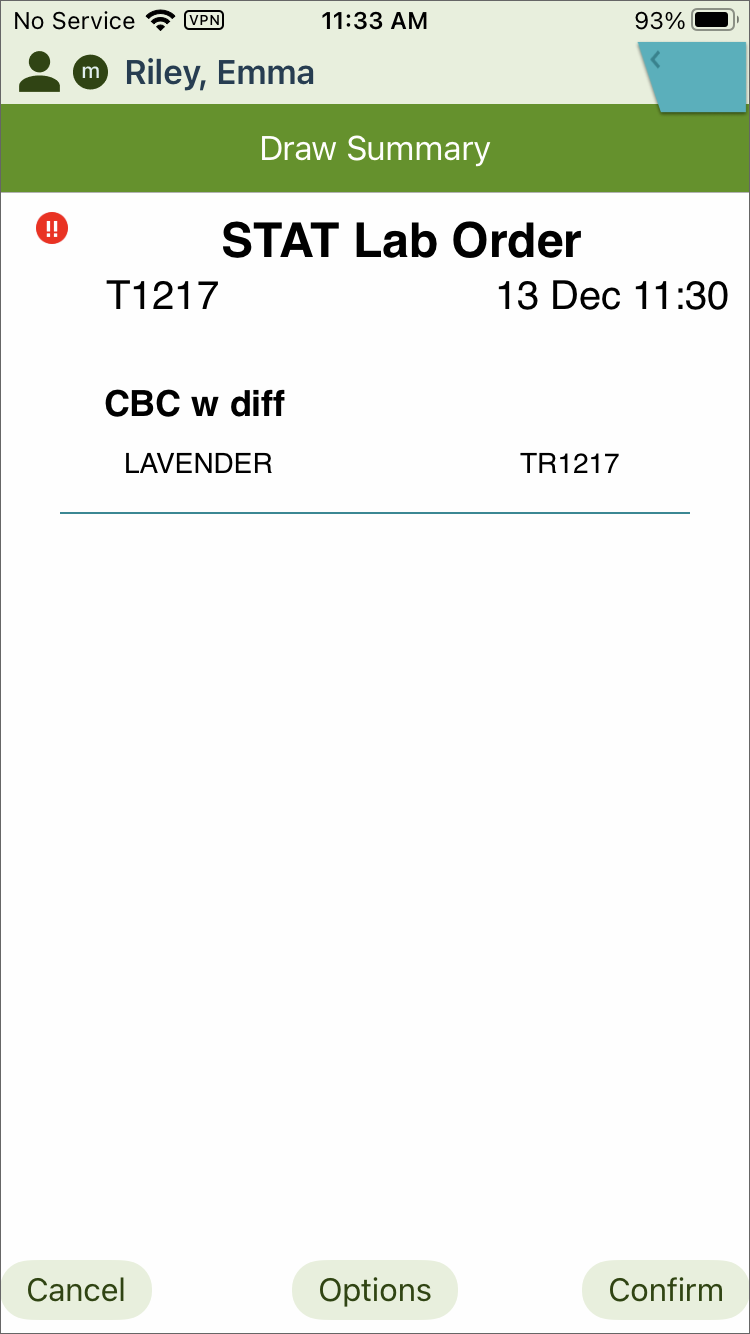
- Tap Confirm.
- Tap Sign.