Bring your own device (BYOD) users have the option to set their application to run in persistent login mode. When this mode is turned on, users receive notifications of new messages until they navigate to their Profile page and explicitly “Log Out” of the application.
When users are in persistent login mode, their presence shows as "available" to other users, unless they specifically change their presence to "busy" or log out of the application.
Please note that all devices, including Persistent Login users, respect the Auto Logout setting configured in Vocera Edge Enterprise Manager, per hospital policy. Users receive a notification when the auto logout time frame has been reached, to let them know they have been logged out. Users no longer receive notifications of new messages until they log in again.
Vocera Edge Communications recommends that when users know they will be out of range of connectivity, they set their status to “busy” or log out of the application. Users continue to receive notifications as long as they have either wi-fi or cellular connectivity.
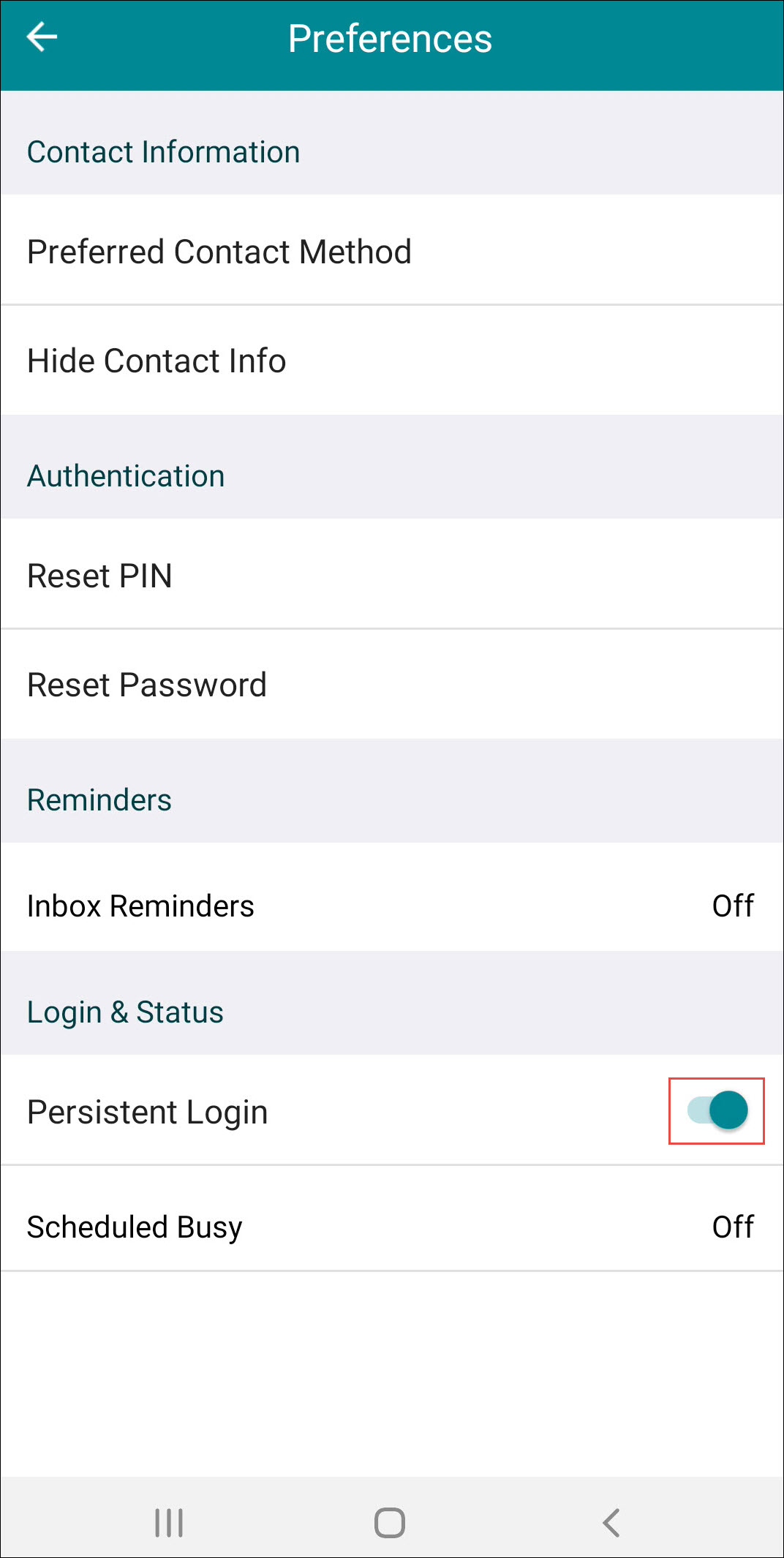
To configure Persistent Login Mode:
- Toggle Persistent Login to On.
When you swipe to close the application and go to log back in, the application will be in Security Mode.