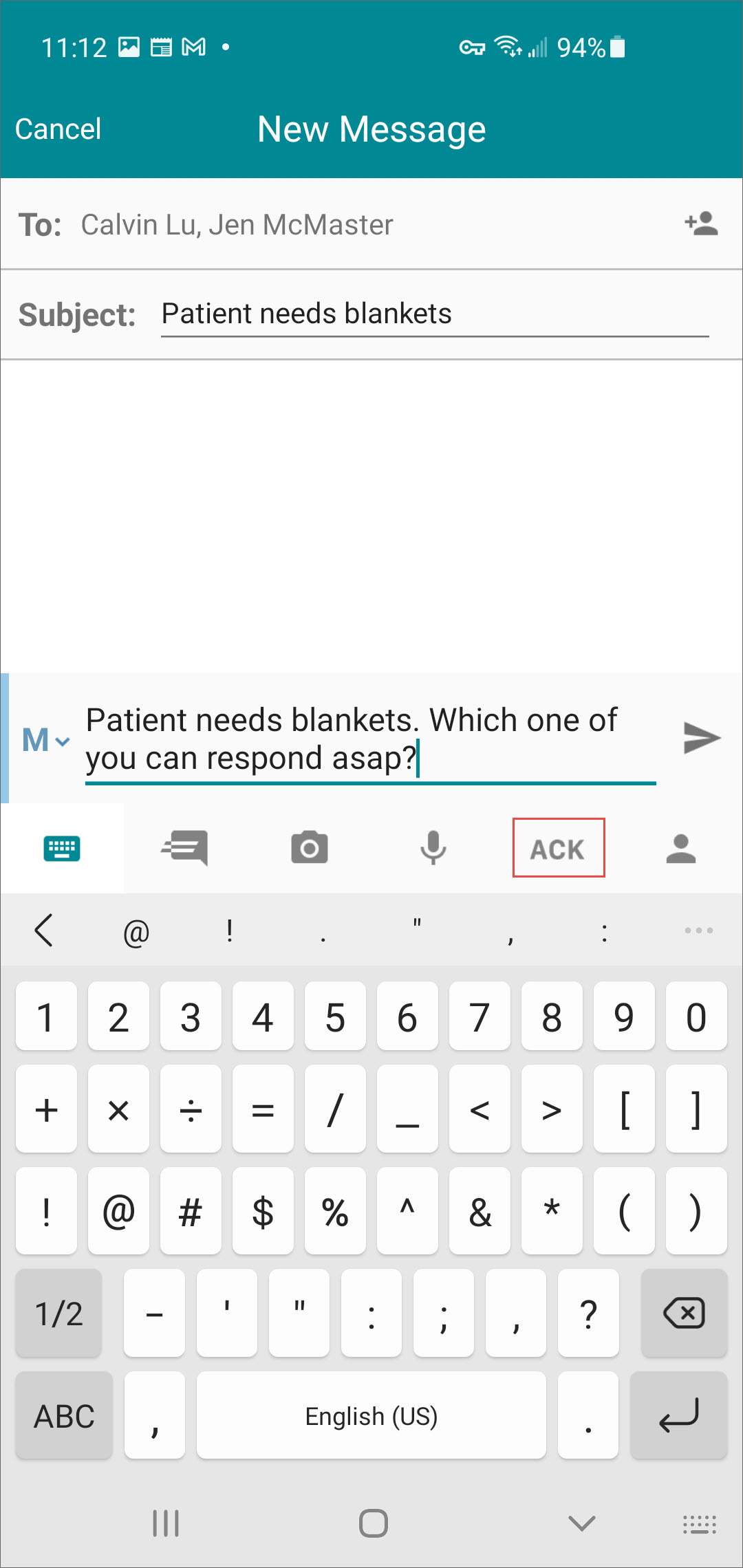
When sending a text message and requesting acknowledgment of the message, caregivers need to tap the ACK icon and select a time frame in which they want to receive acknowledgment.
- To include an acknowledgment request on a composed message, tap the ACK
icon.
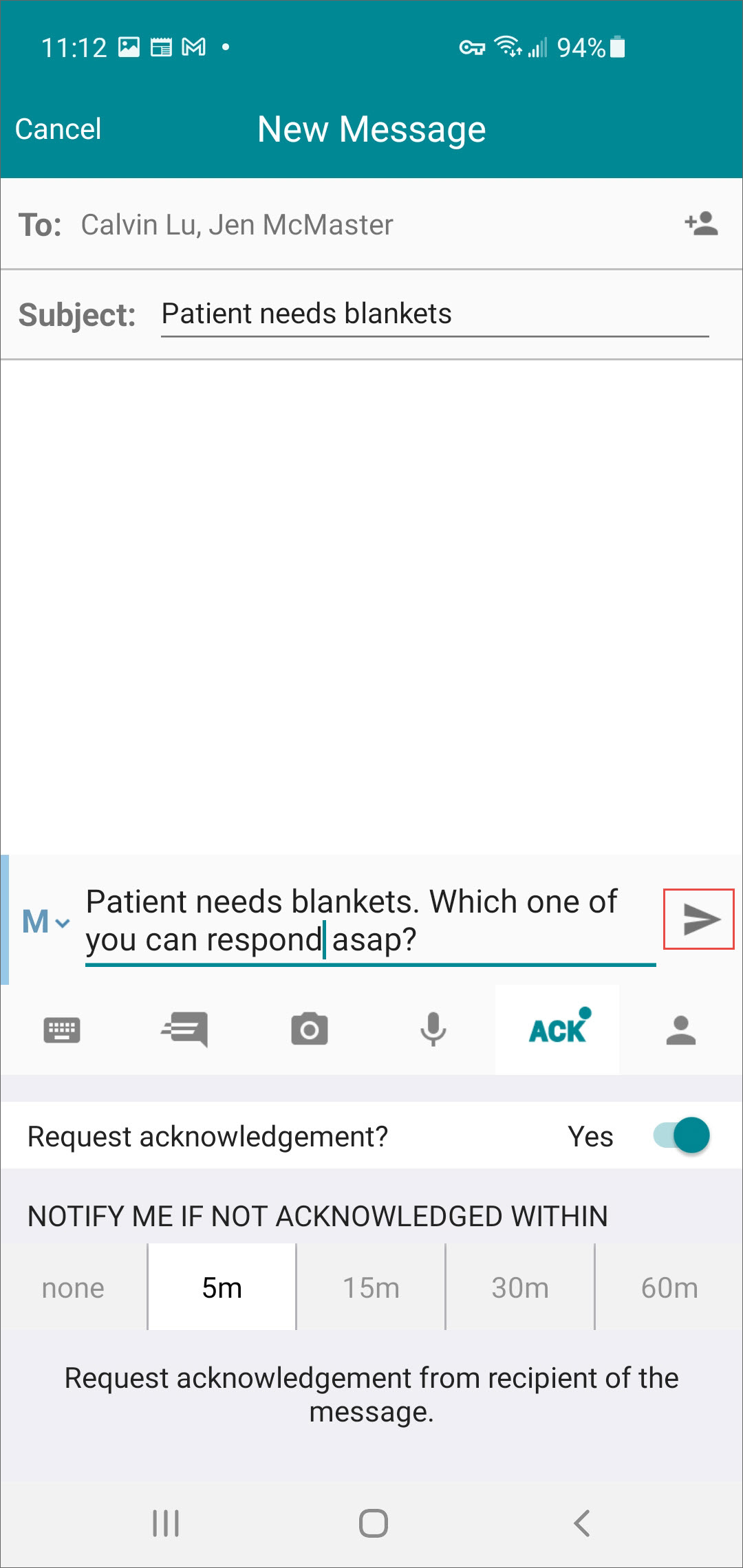
- Tap the Send icon.
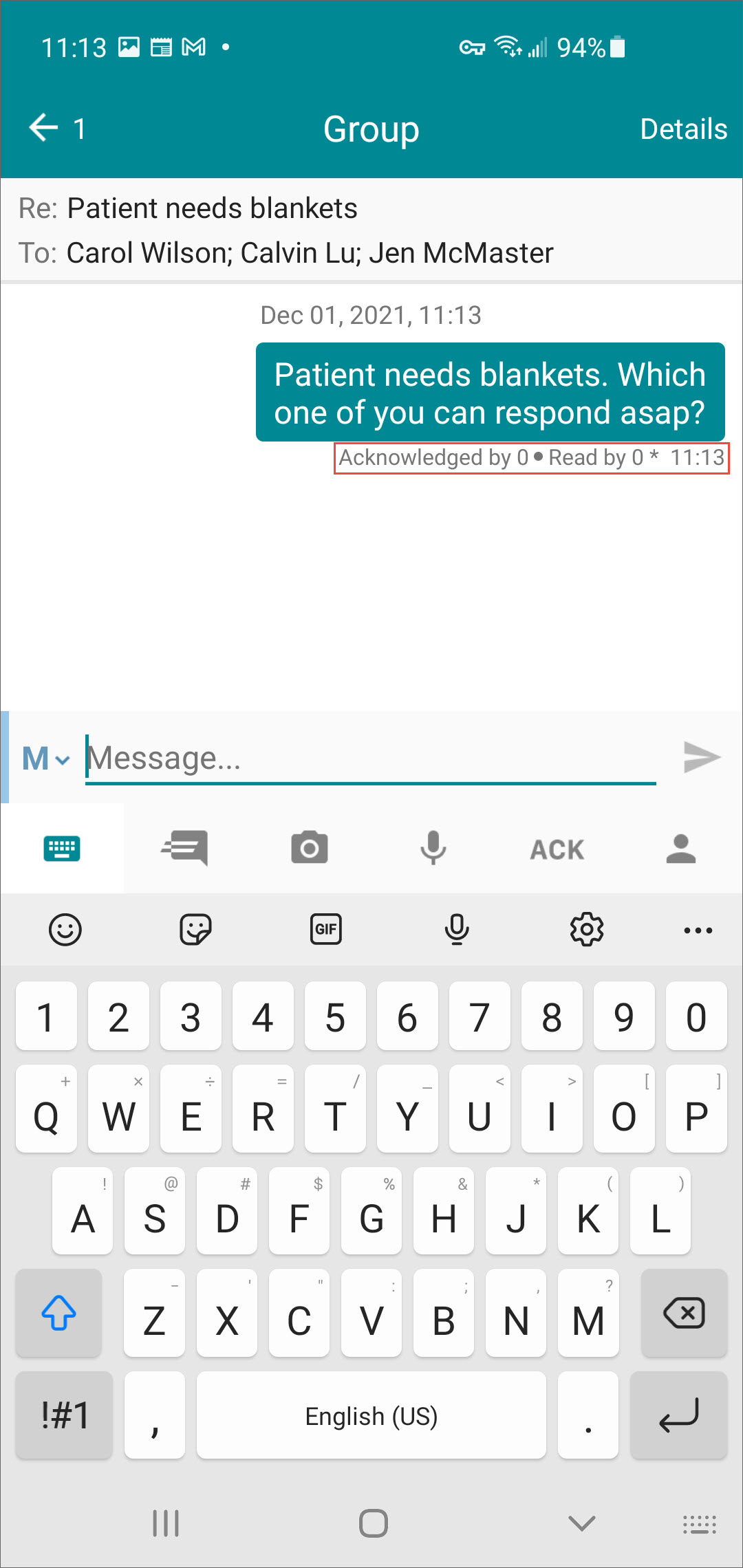
- The message displays with the number of recipients who have read and
acknowledged the message.
- Tap View to see the details.
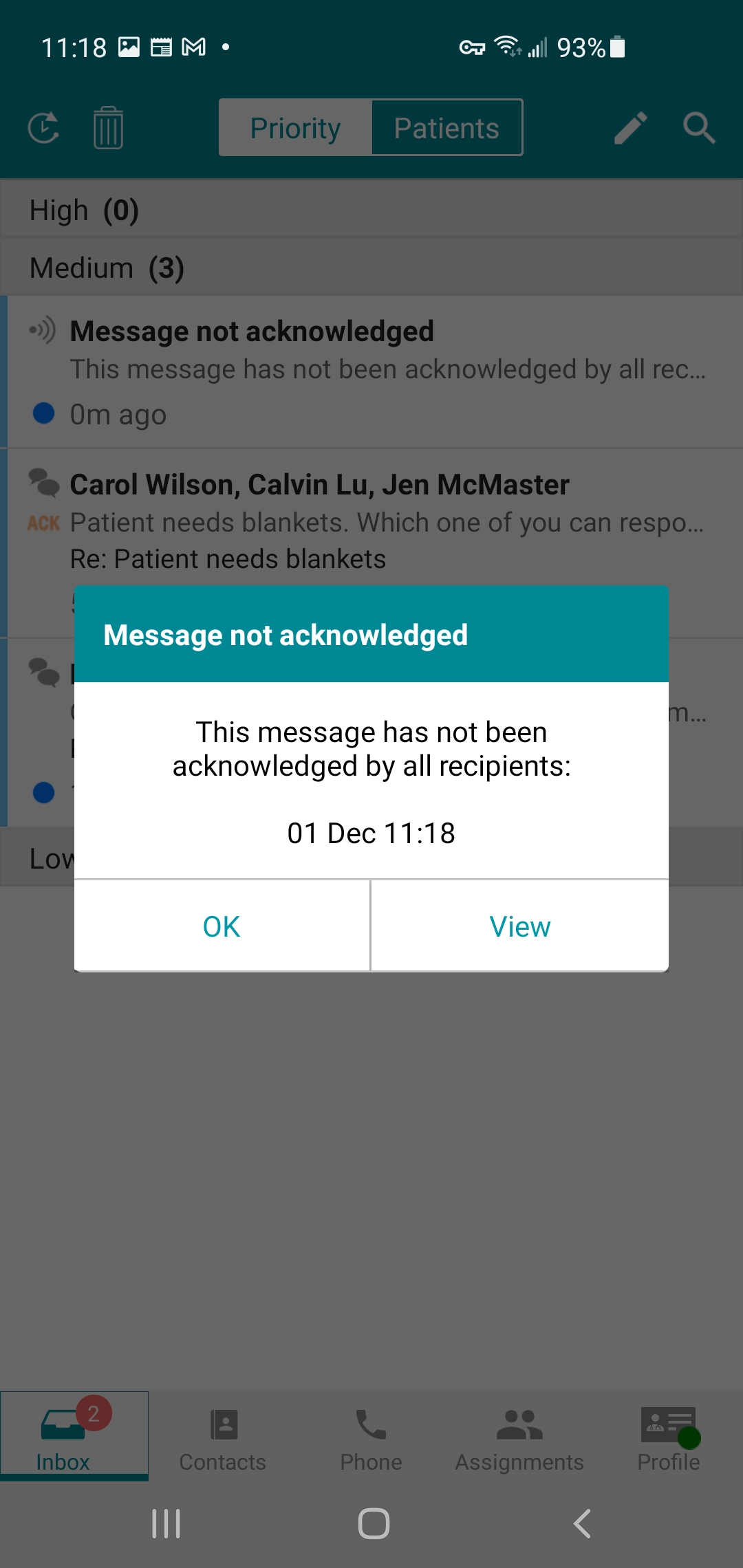
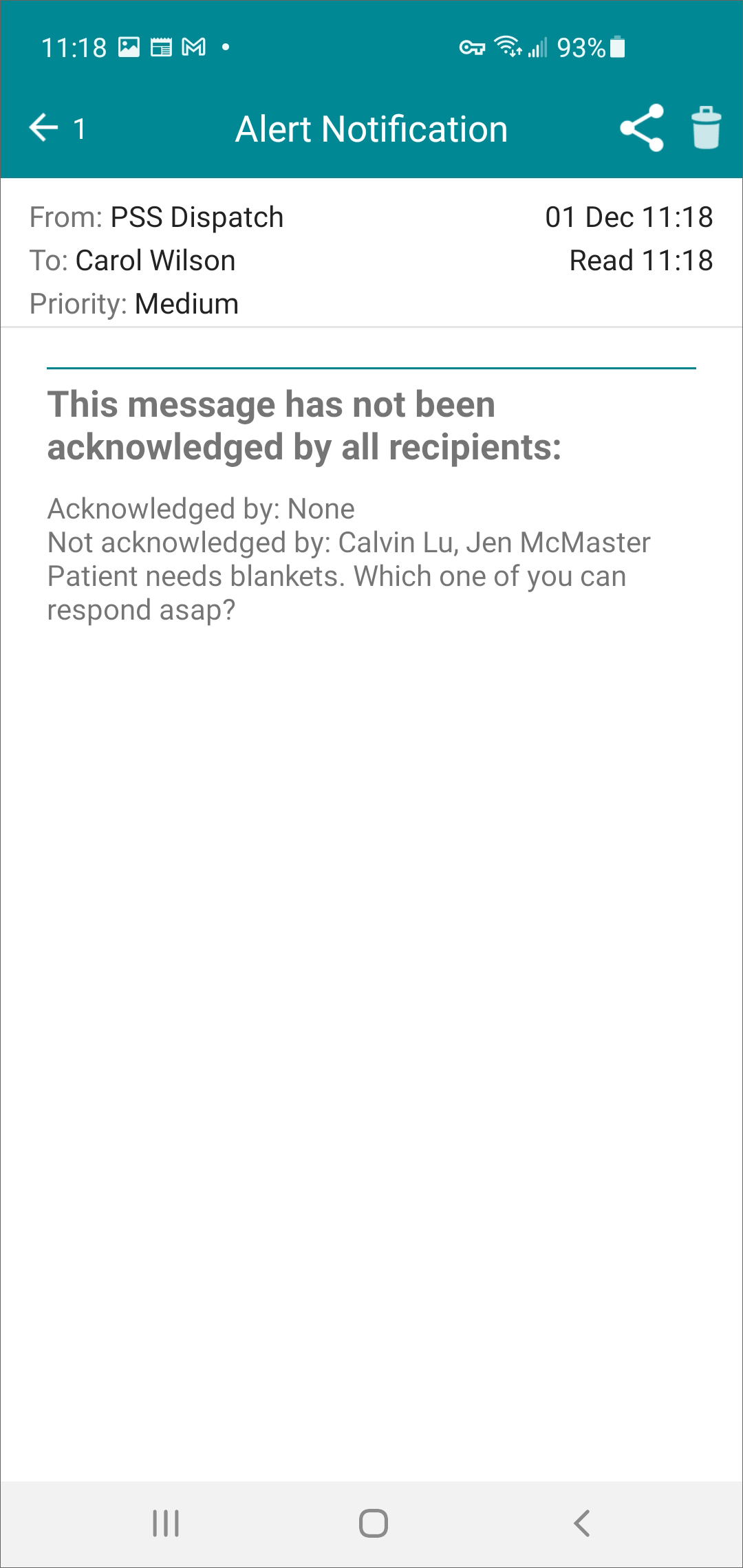
- The Alert Notification displays the name(s) of the recipient(s) who have and have not
acknowledged.