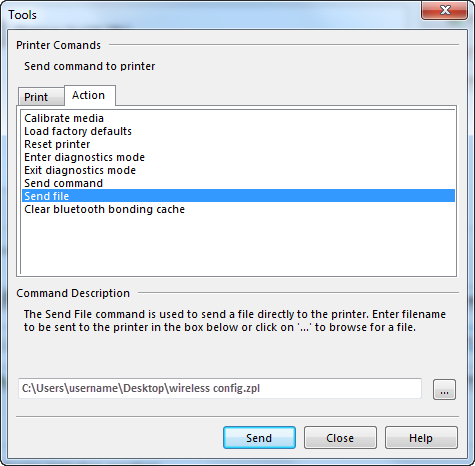
After the wireless configuration file is created on the computer, you need to load the file on the printer.
Use the steps below to apply wireless connection settings to a new
printer.
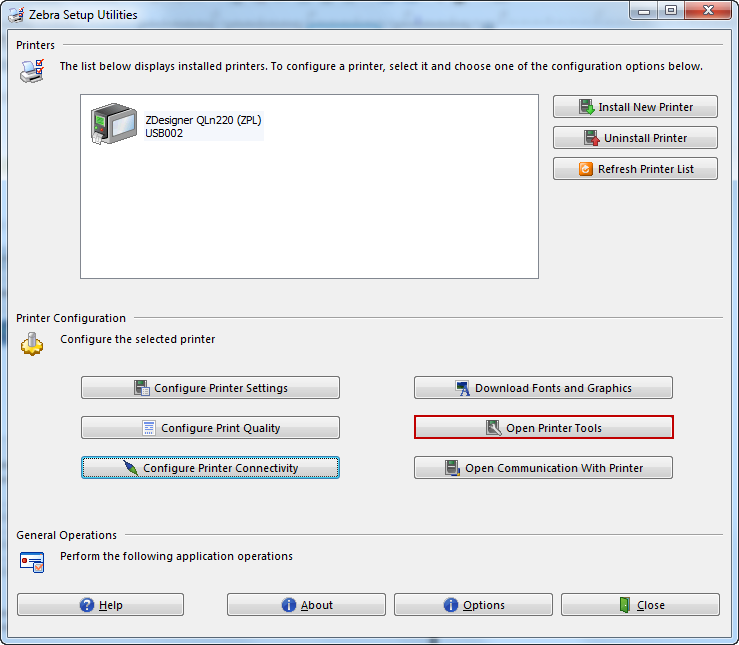
- Click Open Printer Tools.
- Click the “...” to locate your wireless config
file.