The Dashboard contains quick and easy access to the main menu, which allows system administrators and caregivers to configure settings for their facility. It also displays a welcome message for each user with "Hi <username>! Good Morning/Afternoon."
The current date displays beneath the welcome message. The name of the hospital displays on the top left hand corner of the screen.
The Dashboard provides quick access to My Assignments and the Patient List. Click the Dashboard anytime to access these quick links.
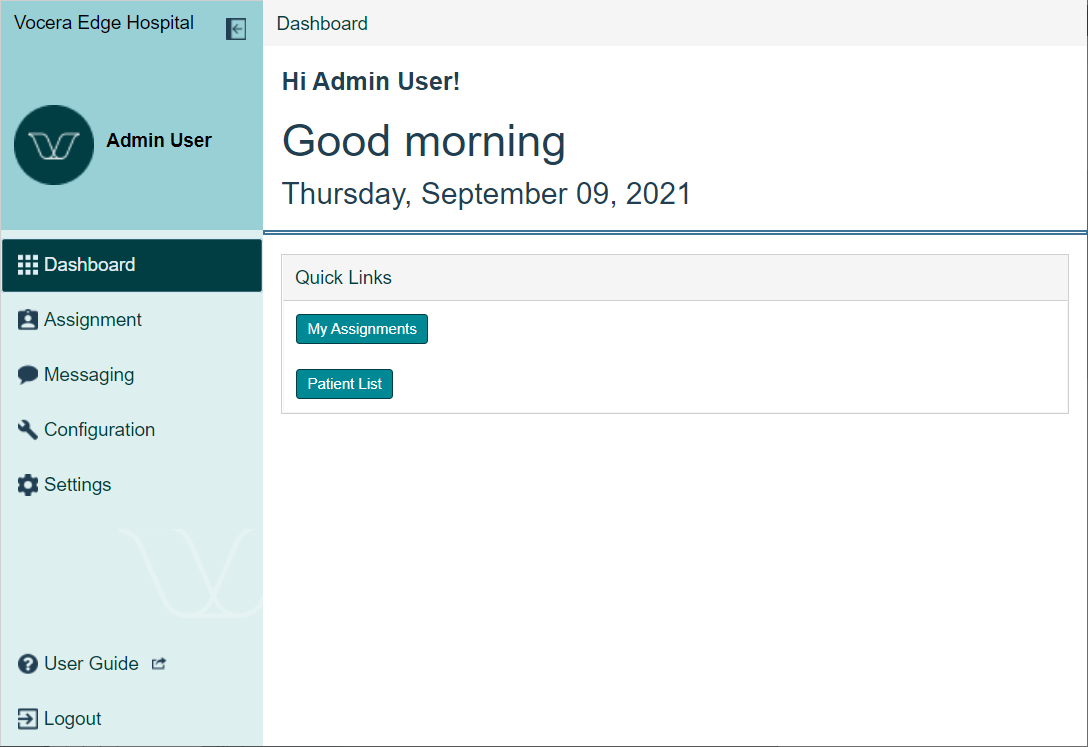
My Assignments displays a list of all of your assignments. For more information about My Assignments, see My Assignments.
The Patient List displays a list of all patients in the Nursing Units that are associated to the logged-in user. For more information about the Patient List, see Patient List.
Click the left arrow icon  to minimize the left navigation menu and enlarge the viewing area of the Vocera Edge Enterprise Manager application.
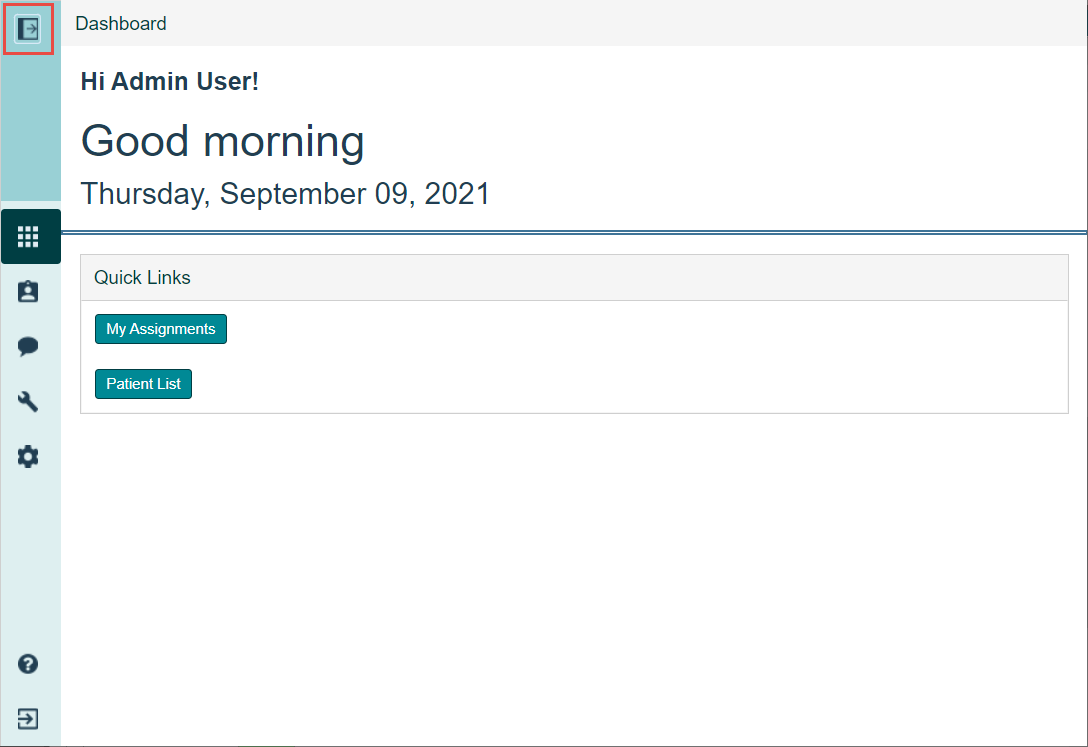
When the left navigation menu is hidden, the icons display without their title. Use the table below to navigate.
| Icon | Title |
|---|---|

|
Dashboard |

|
Assignment |

|
Configuration |

|
Settings |

|
User Guide |

|
Logout |
Click the arrow icon again to display the left navigation menu with the titles and return the viewing area to normal size.