Users will need to get the appropriate URL prior to logging into Analytics. Once you have the correct web address, use the instructions below to log in.
- Go to the URL: http:// (tbd upon install).
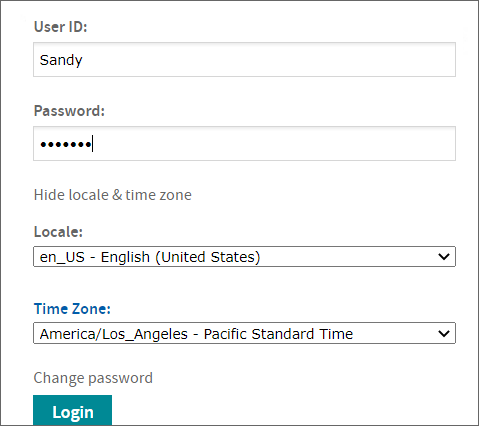
- Log into the Analytics application.
- Click Show locale and time zone.
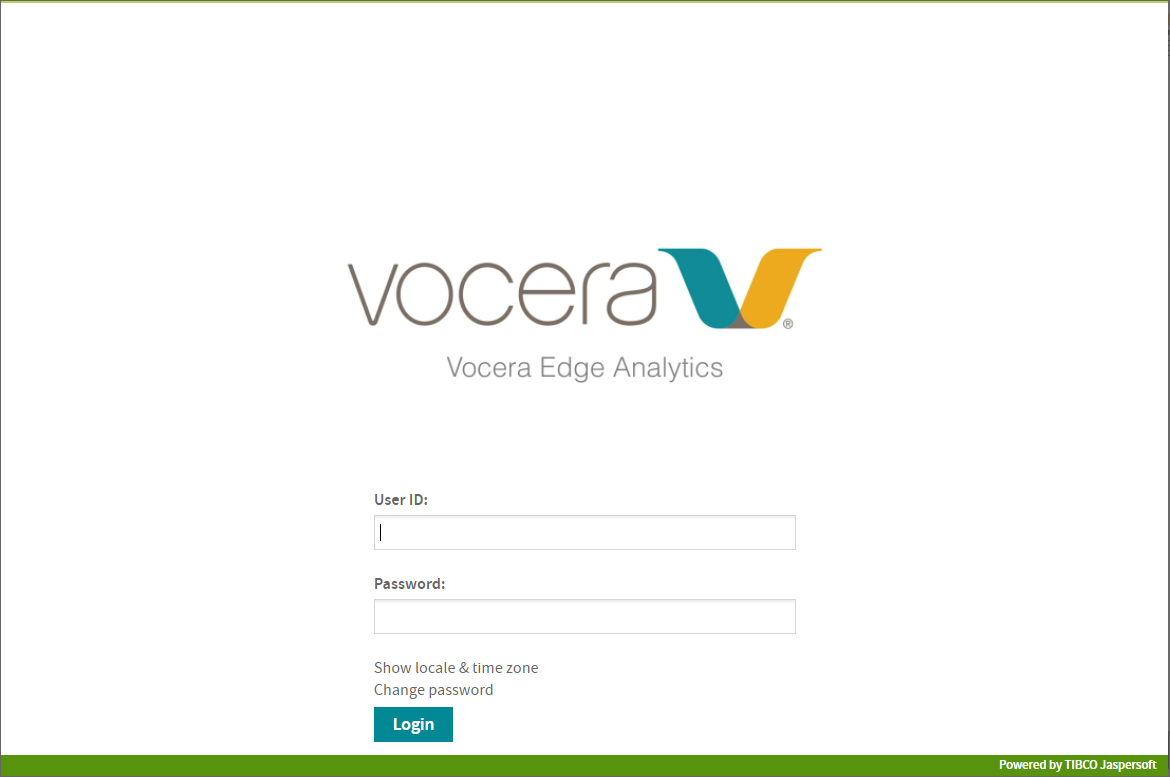
- Click Login.
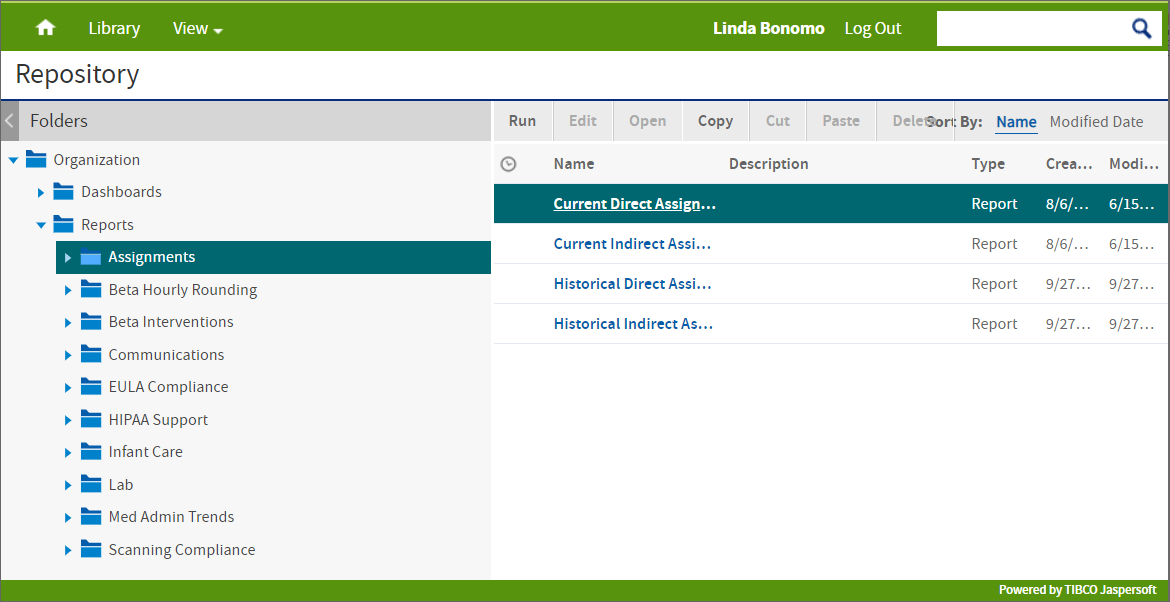
Analytics defaults to display the last viewed report. If no report has been viewed, you may need to click Reports under the Root directory.
- Click Show locale and time zone.