If you have not set up a PIN to authenticate your login, you will be prompted to set a PIN.
To create an authentication PIN, perform the following:
-
Tap the Call button on your Smartbadge.
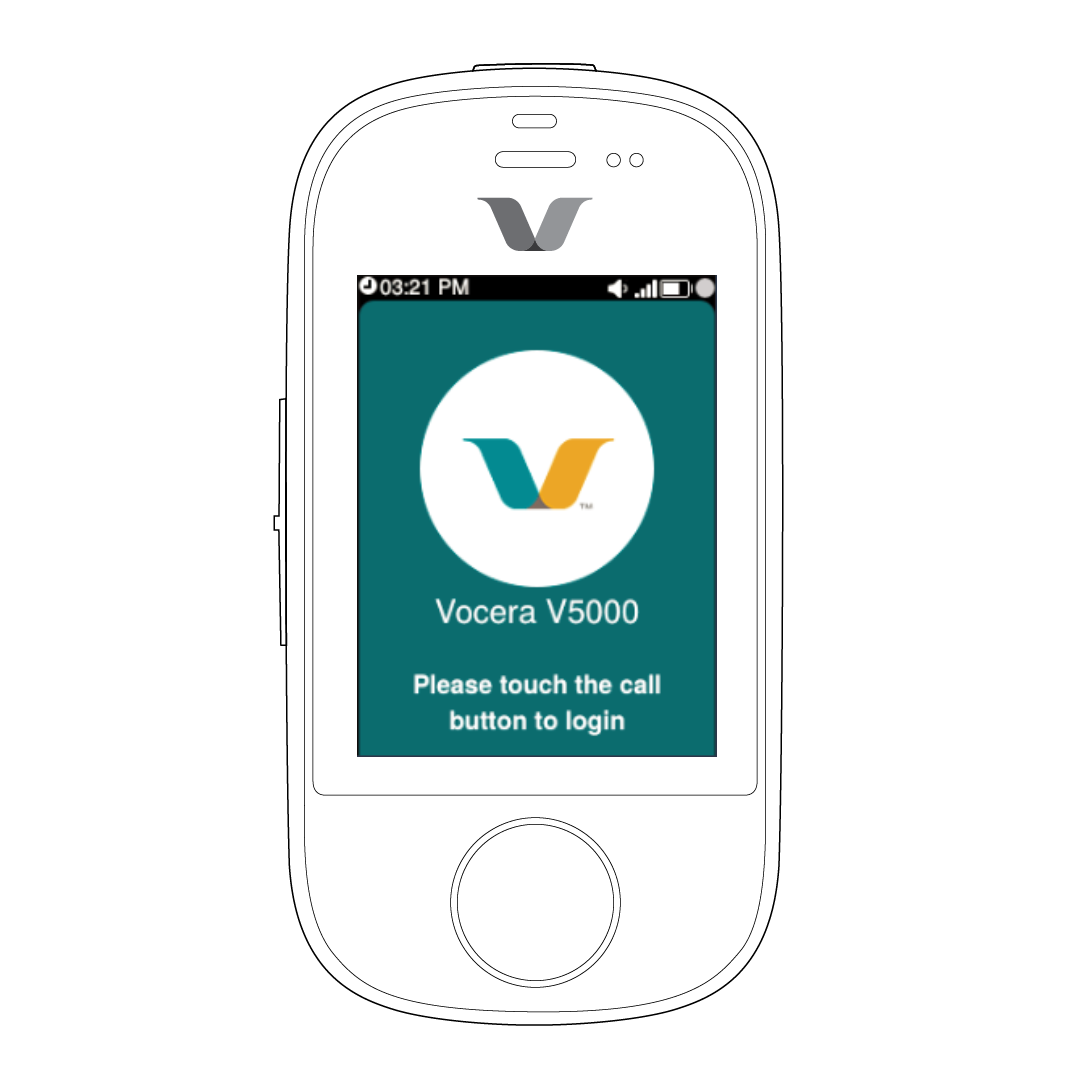
The genie prompts "Say your First and last name."
-
Say your First and last name.
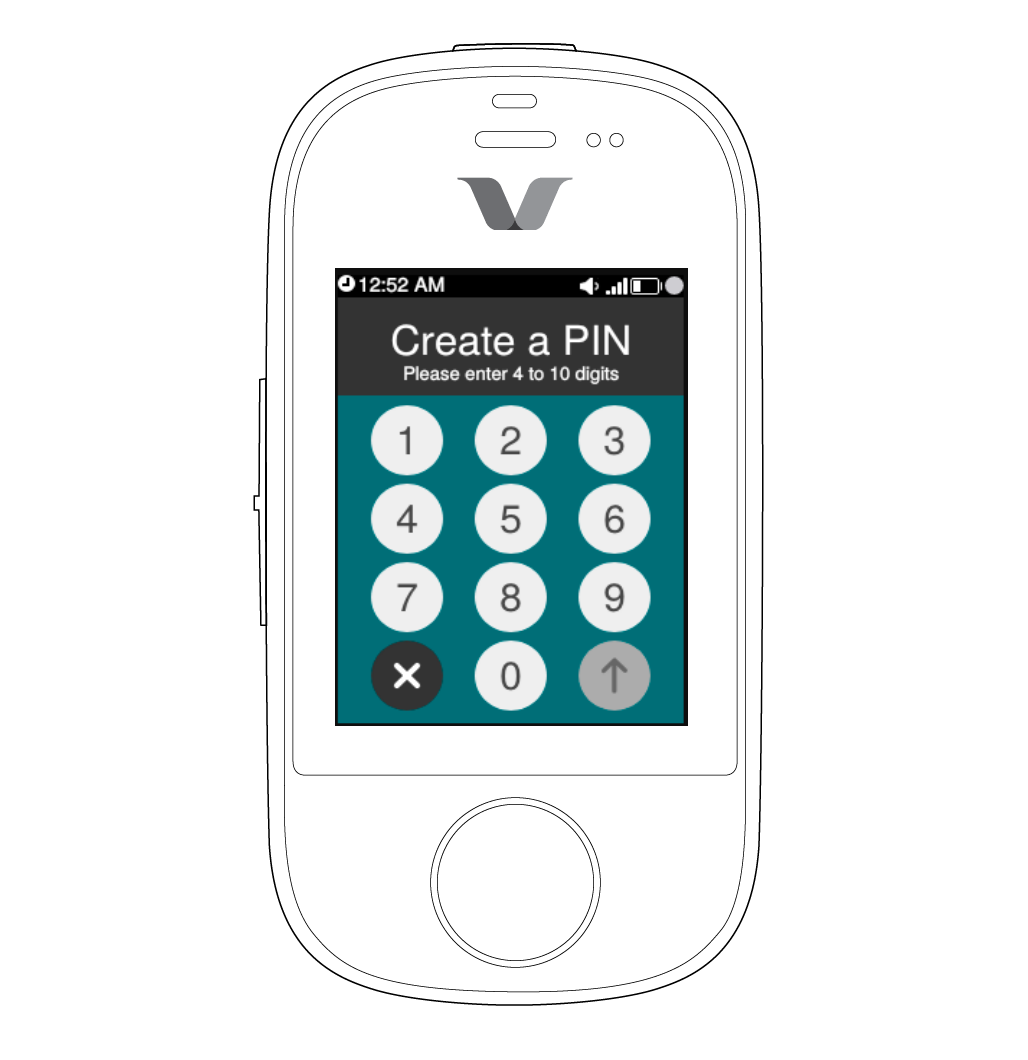 The screen to create PIN is displayed.
 -
Enter the PIN of your choice and tap the send arrow.
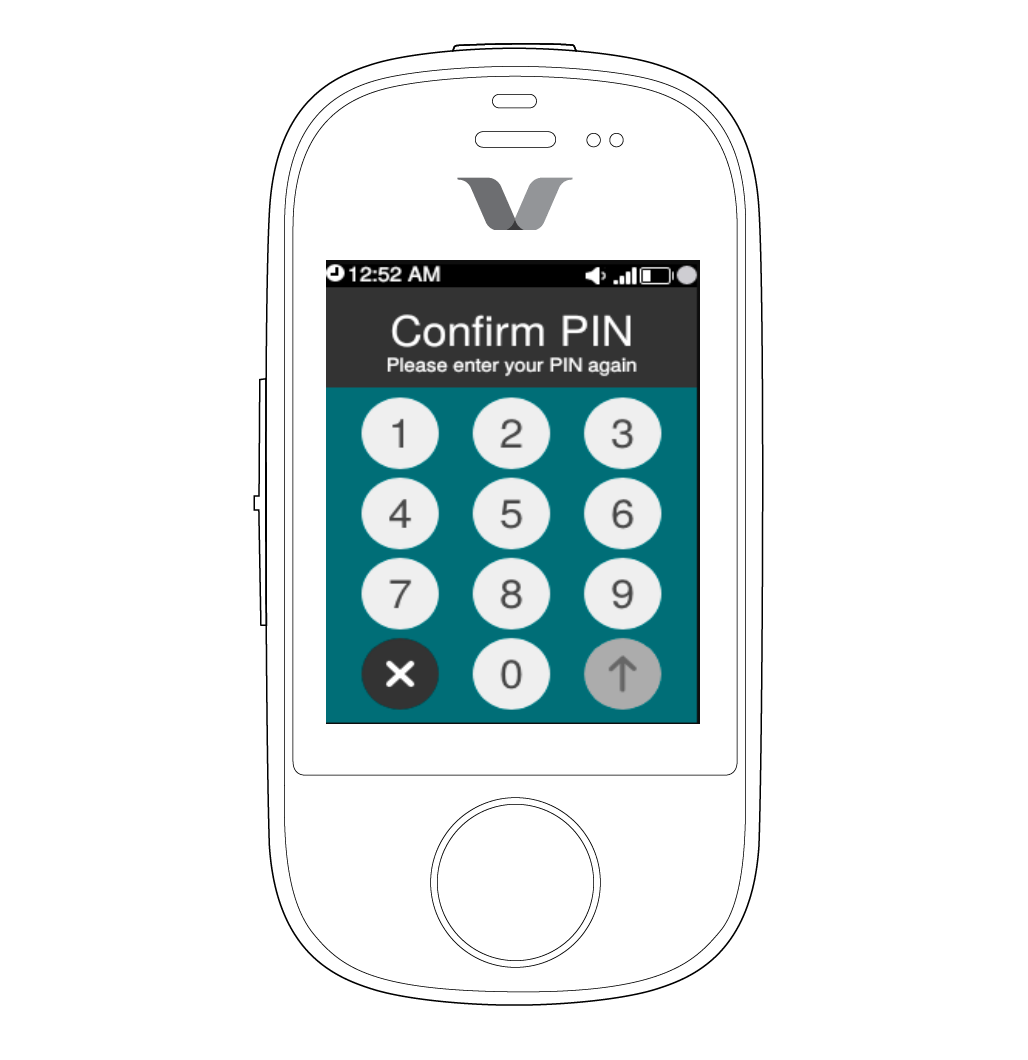
Your authentication PIN is set. Use the same PIN the next time you log in.