Use the DND/Hold button on your C1000 Minibadge to power it on when idle and power off when you need to.
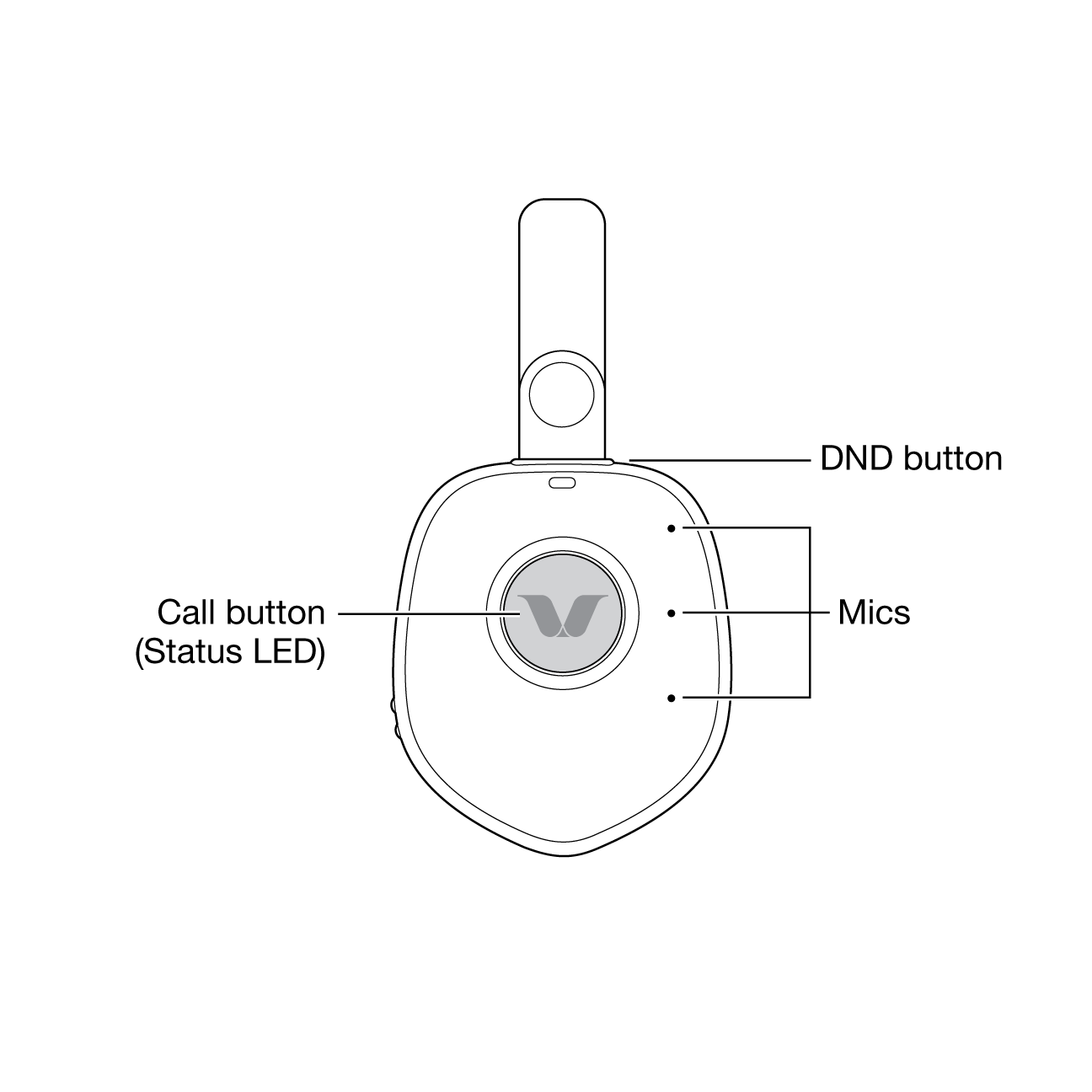
Front View
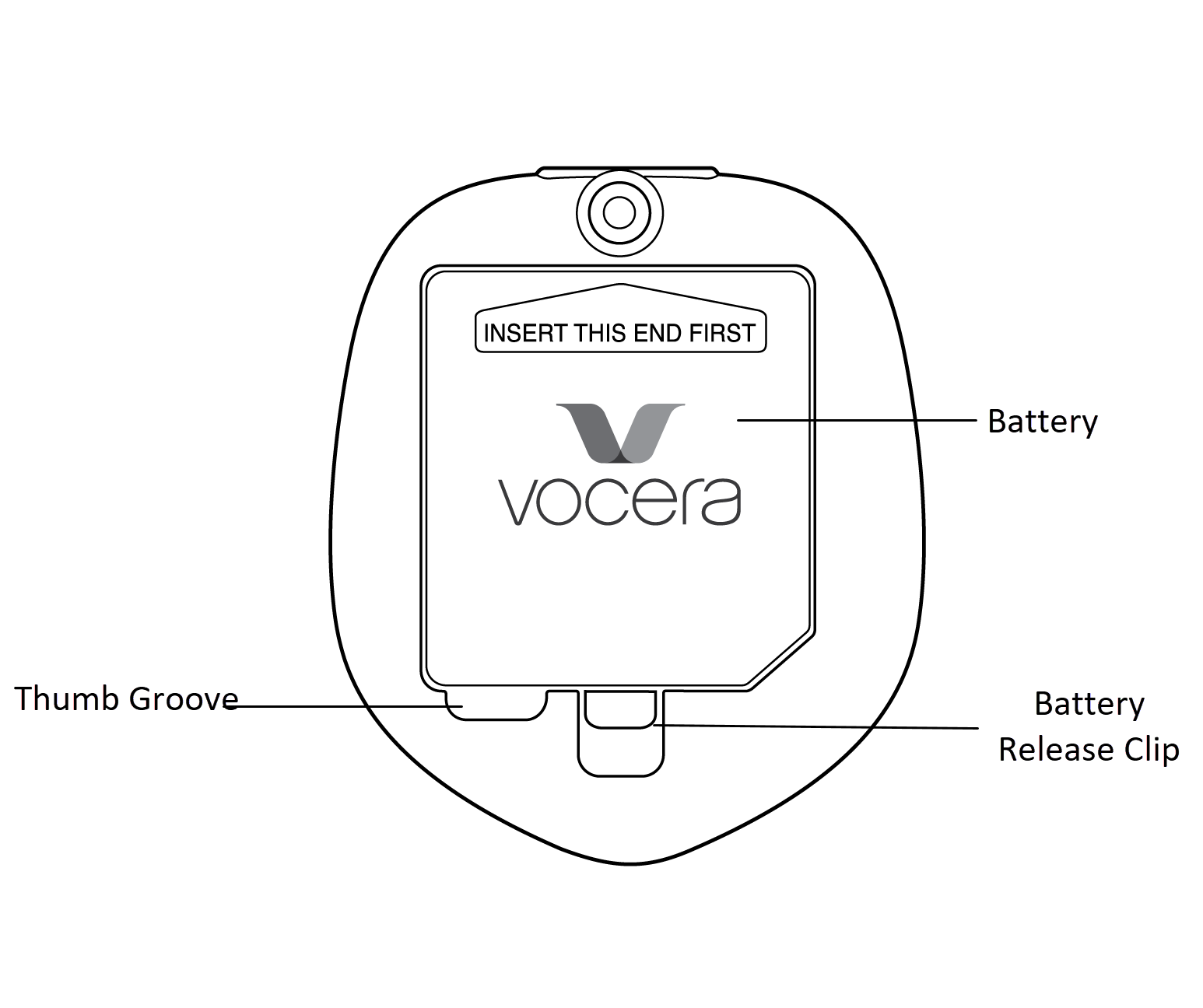
Back View
Side Views
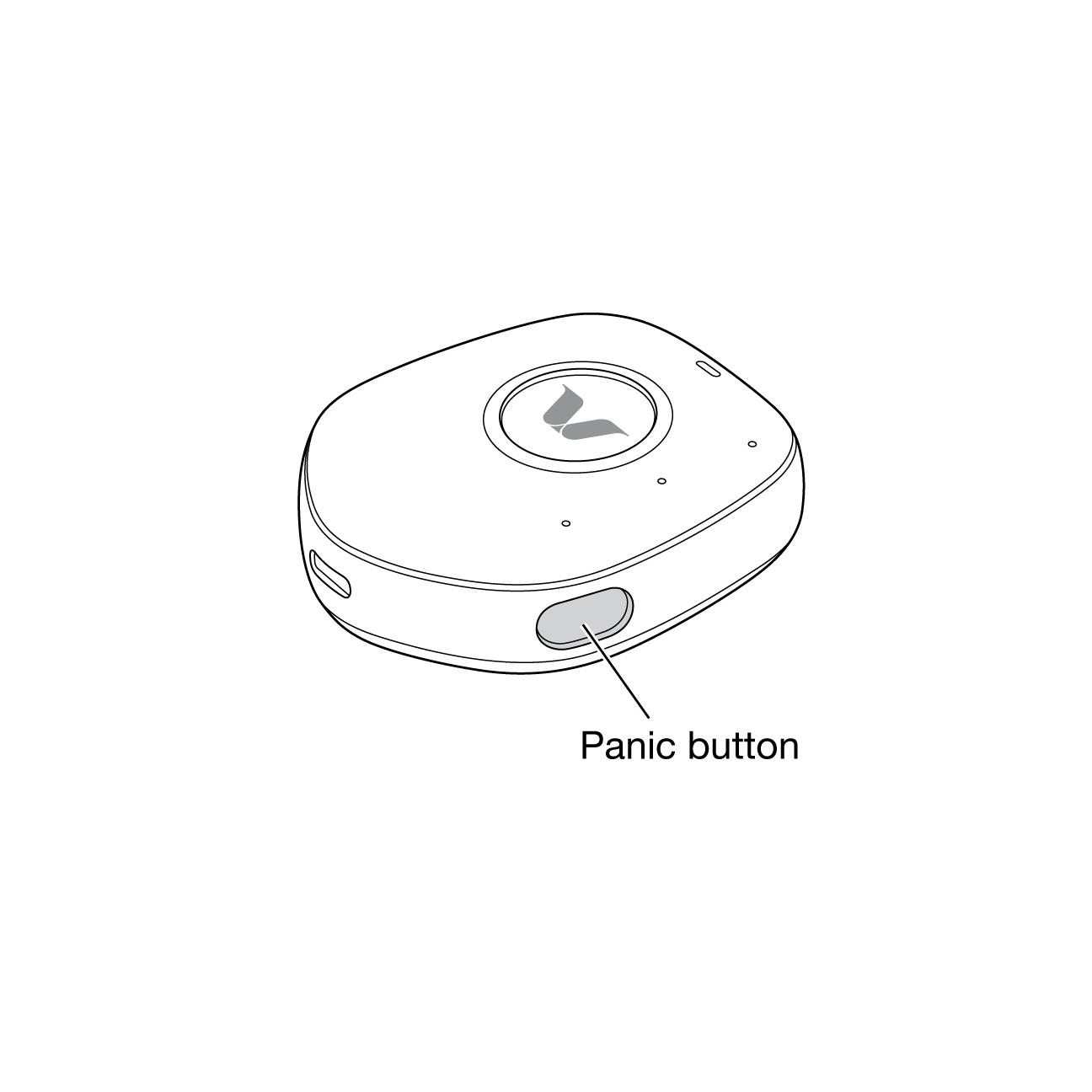
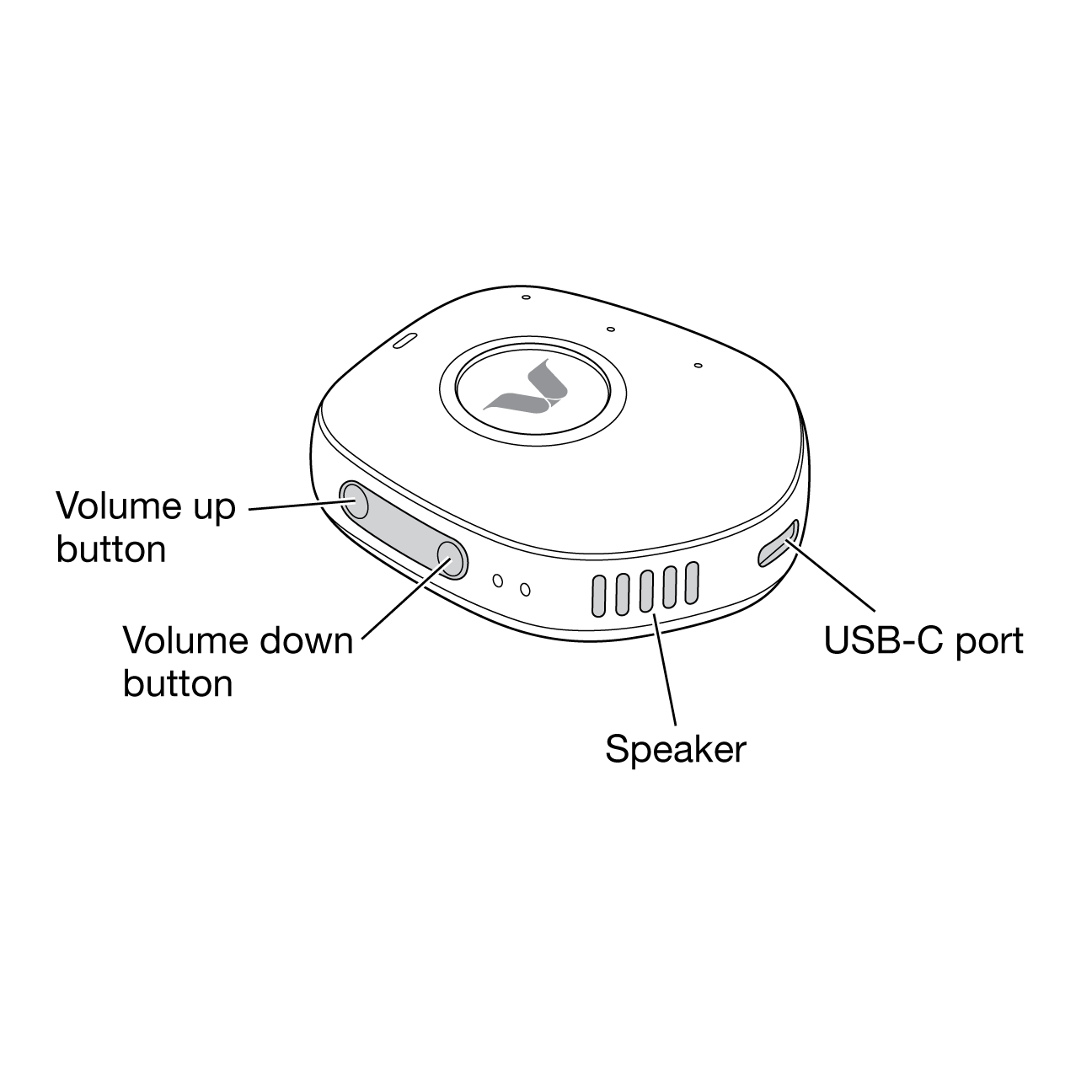
The following table captures the details of the hardware buttons on the C1000 Minibadge and its functions.
| Button | Location on the C1000 Minibadge | Functions |
|---|---|---|
| Call | Center | Begin and end voice communications. |
| Do Not Disturb (DND)/Hold | Top | Set your C1000 Minibadge to DND mode. |
| Volume up/down | Left side | Increase or decrease the volume of your C1000 Minibadge. |
| Panic | Right lower edge | Place an emergency call. |